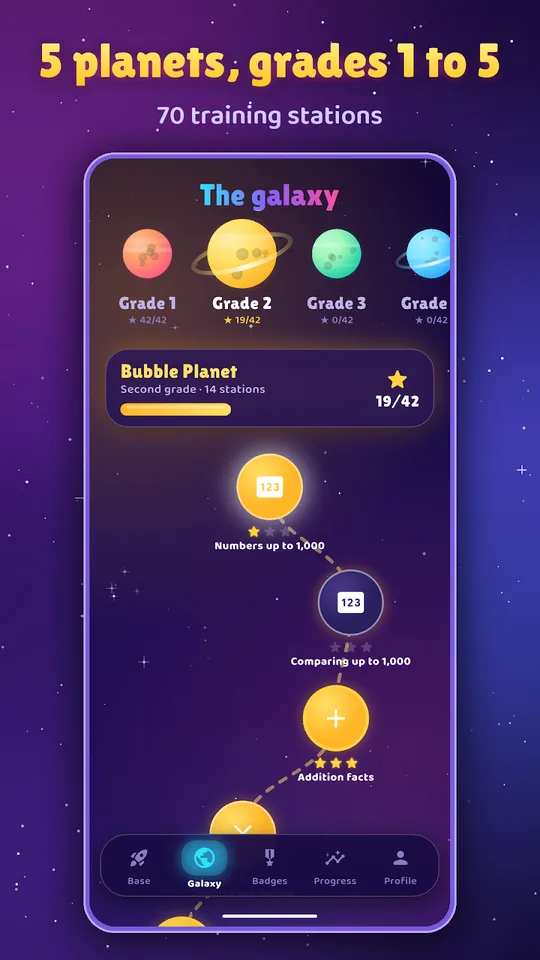
Calculonautes is a space math game for kids on Android. Children choose an astronaut helmet, fly to one planet per school year from grade 1 (CP) to grade 5 (CM2) and solve ten calculations per mission before the fuel gauge empties.
Because the game draws questions at random each time, children keep practising real calculation instead of memorising answers. Here is how it fits a family that likes science.
Get Calculonautes
At a glance
- Platform : Android
- Levels : grade 1 (CP) to grade 5 (CM2)
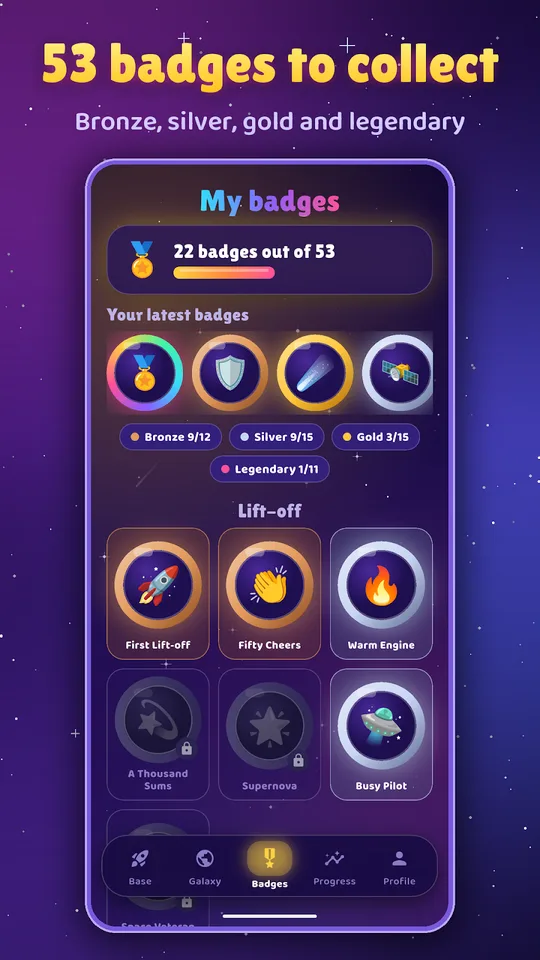
- Content : 5 planets, 50+ badges, 12 ranks
- Modes : mission, daily mission, meteor rain, duel
- Languages : English and French
- Advertising : none
Launching your first mission
- Install Calculonautes from Google Play and pick a helmet.
- Choose the planet matching the school year.
- Select a station, which is one skill of the programme.
- Solve ten calculations before the fuel gauge runs out.
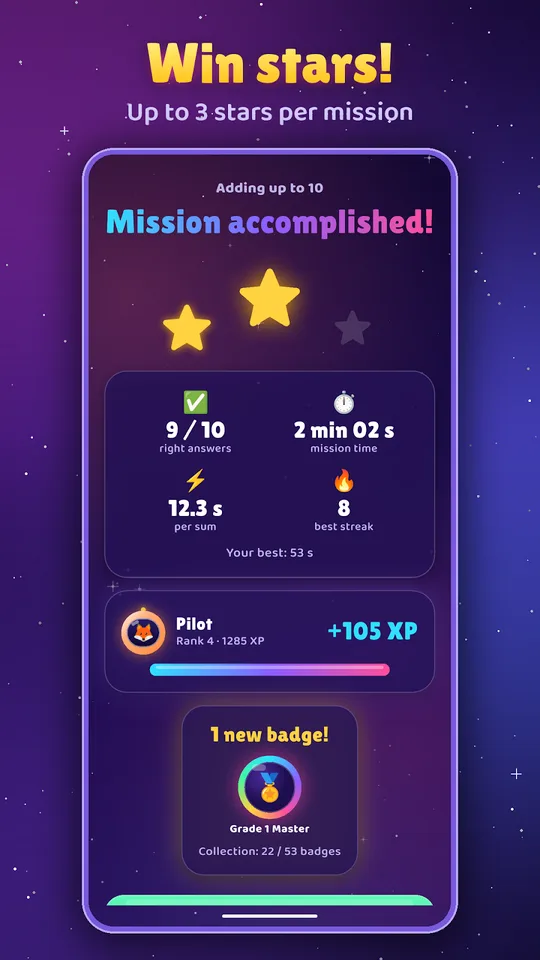
- Collect stars, read the tip after any mistake and take off again.
What you will find inside
- Five planets for grade 1 to grade 5, with skills such as complements to 10, doubles, halves, tables and multiplying by 10 or 100.
- Decimals, simple fractions and small word problems for older pupils.
- Random questions that become harder as the child improves.
- A daily mission of 12 mixed calculations with doubled experience points.
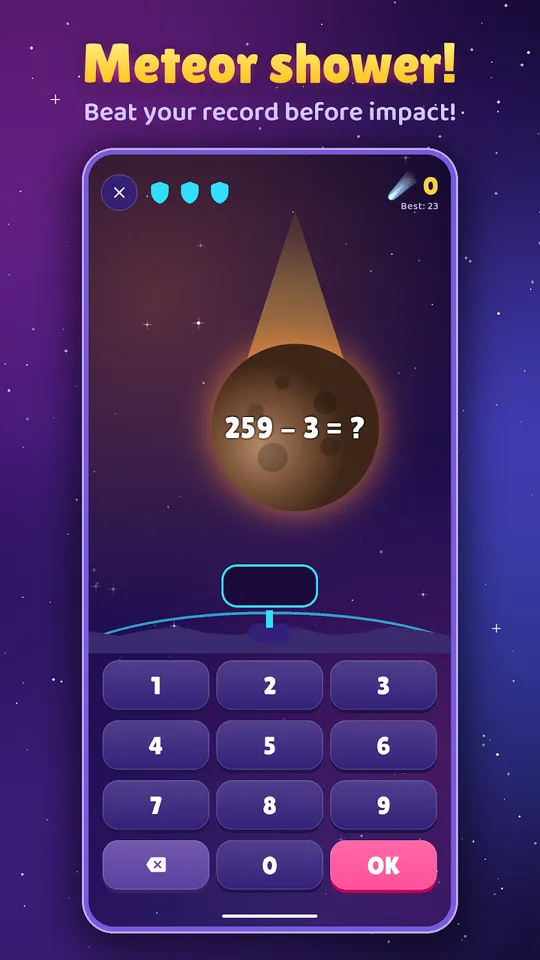
- Meteor rain, where players destroy calculations before they hit the base.
- A two-player duel on one screen.
- More than 50 badges and 12 astronaut ranks.
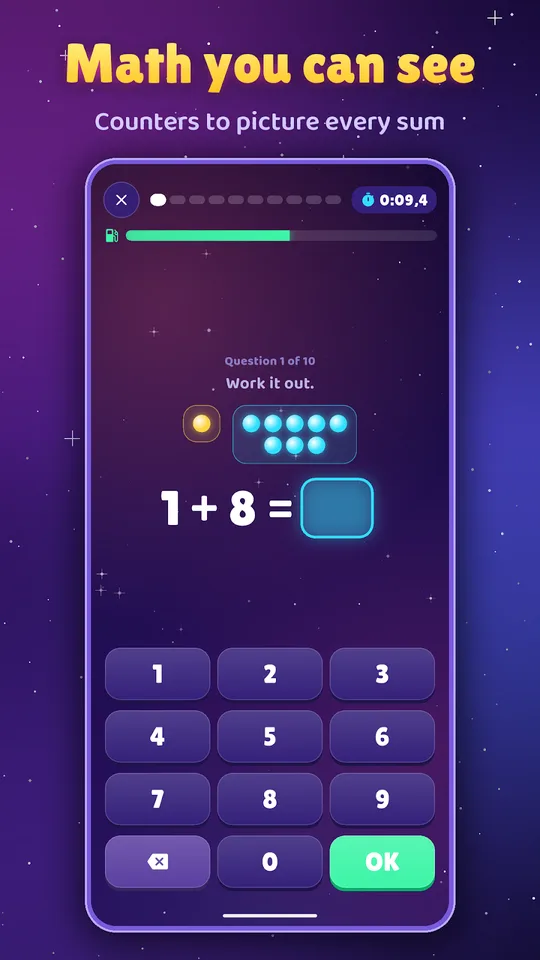
- Visual aids for small children: dots, fingers, tens and units, coins and notes.
- English and French, with no advertising.
A game for children and their parents
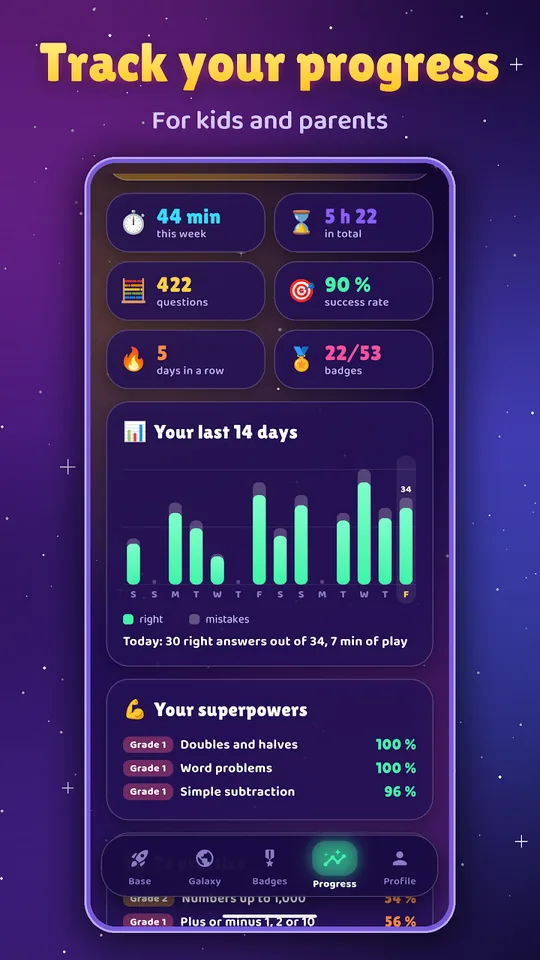
The Progress screen shows playing time, success by type of calculation, strengths and skills to train. Parents can see at a glance where help matters without reading a report.
The app saves progress on the Google account and restores it on another device, which is handy when a child switches from a phone to a tablet.
Why a space math game for kids suits young scientists
Space is an easy door into physics. A child who enjoys fuel gauges and planets will later meet speed, distance and time in our physics and chemistry courses, and counting skills built now will make those formulas friendlier.
Older siblings can keep the habit going with the AP Physics 1 worksheets once they reach high school, using the same small daily routine.
What a mission looks like
A mission starts on a planet and a station. The child sees ten calculations, a stopwatch and a fuel gauge that empties as time passes. Correct answers earn stars, and the app keeps a record for each mission.
Different modes keep the routine fresh. The daily mission mixes 12 calculations and doubles the experience points. Meteor rain asks the child to destroy calculations before they crash onto the base, which suits fast, confident players. The two-player duel puts two children on one screen, each with their own school year.
For the youngest, visual aids such as dots, fingers, tens and units, and coins and notes make abstract numbers concrete.
Tips for parents
- Keep sessions short, about ten minutes, and finish on a success.
- Use the duel with a sibling or parent, each at their own level.
- Ask the child to explain a tip aloud after a mistake.
- Check the Progress screen weekly and choose the next station together.
Frequently asked questions
What is Calculonautes?
Calculonautes is an Android mental math game for children from grade 1 to grade 5. Each school year is a planet, each skill a station, and each mission is a set of ten calculations against a fuel gauge.
Which skills are covered?
Skills come from the French primary curriculum: complements to 10, doubles and halves, addition and multiplication tables, working with tens and hundreds, multiplying by 10 or 100, decimals, simple fractions and small problems.
Is it suitable for two players?
Yes. A duel mode lets two players share one screen, each with their own school year, which makes it practical for a parent and child or for two siblings of different ages.
Can the app be used in English?
Yes. The description says the app exists in French and in English, with no advertising. School years follow the French system, for example grade 5 appears as CM2, and the app saves progress on a Google account.
