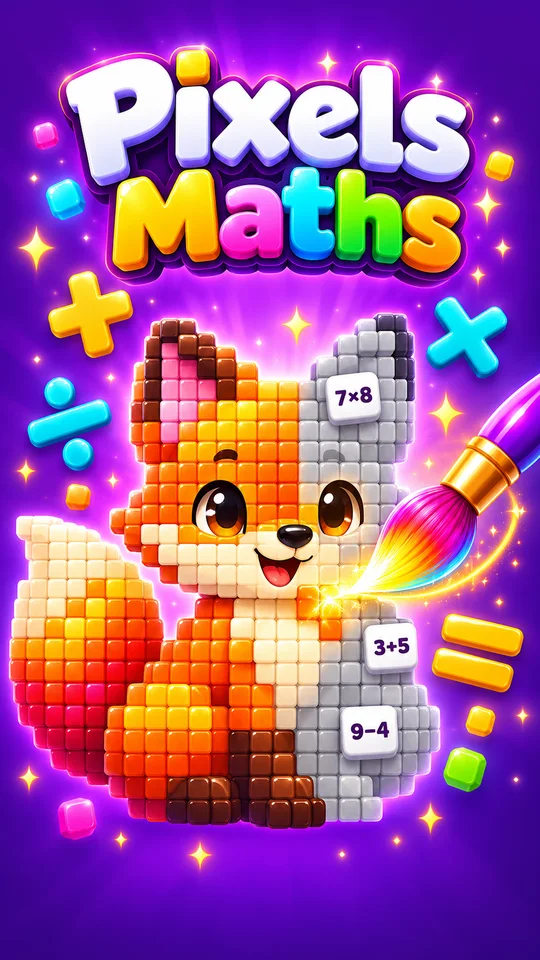
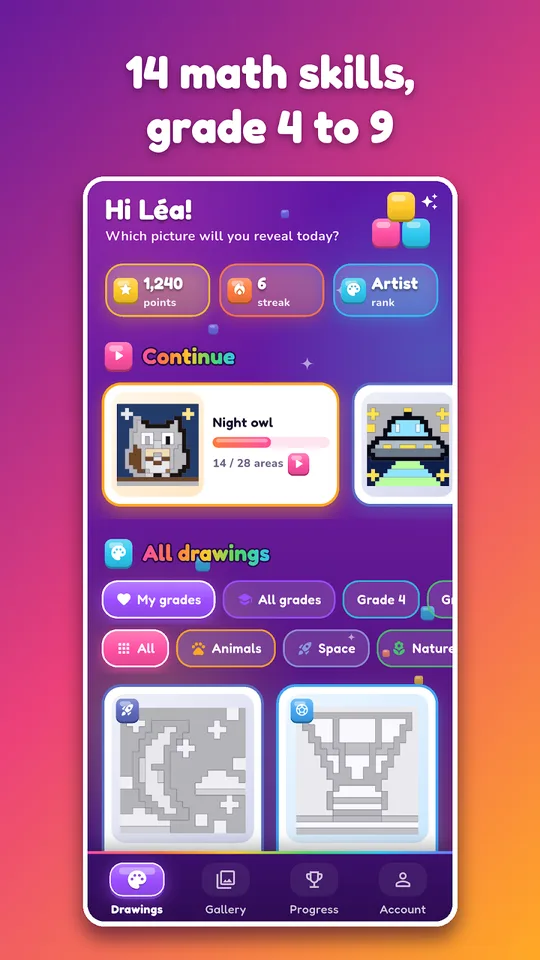
Pixels Maths is a pixel art math game for Android in which each grey zone of a drawing hides a calculation. A correct answer colours the zone, and the picture appears square by square, from grade 4 (CM1) to grade 9 (3ème).
The calculations are generated anew at each game, so a drawing can be replayed endlessly. For a student of science, it is a calm way to repeat the operations that appear in every problem.

Get Pixels Maths
At a glance
- Platform : Android
- Levels : grade 4 (CM1) to grade 9 (3ème)
- Content : 60+ drawings, 14 calculation types
- Offline play : yes
- Languages : English and French
- Advertising : none
How to play in five steps
- Install Pixels Maths from Google Play.
- Choose a pixel art drawing and your school level.
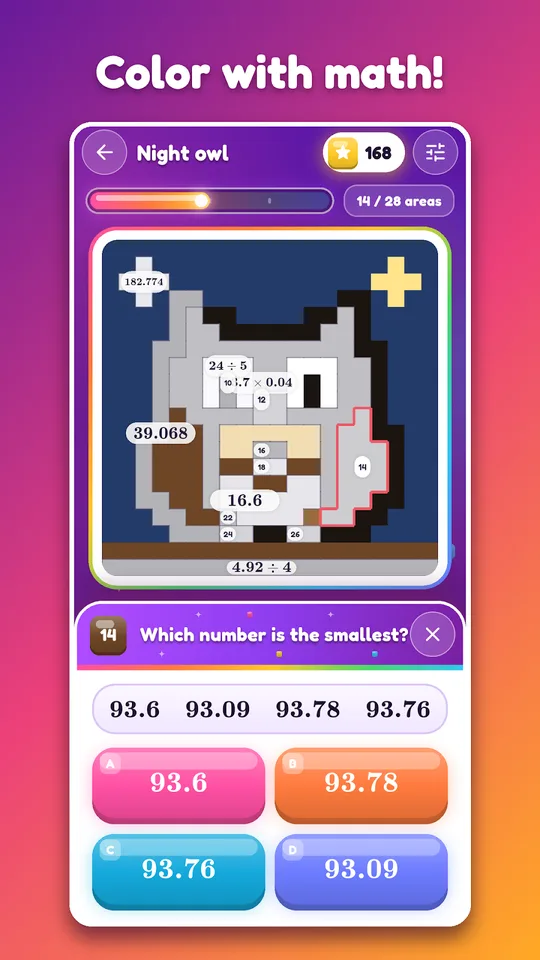
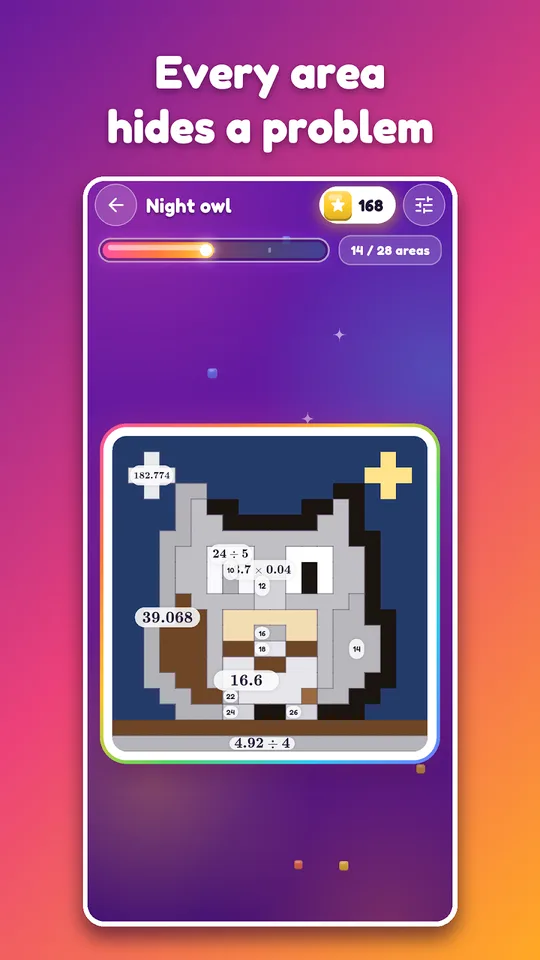
- Tap a grey zone; a calculation appears in large type.
- Answer the multiple-choice question or type the result.
- Watch the zone take its colour, or read the short correction after an error, then finish the drawing.
What you will find inside this pixel art math game
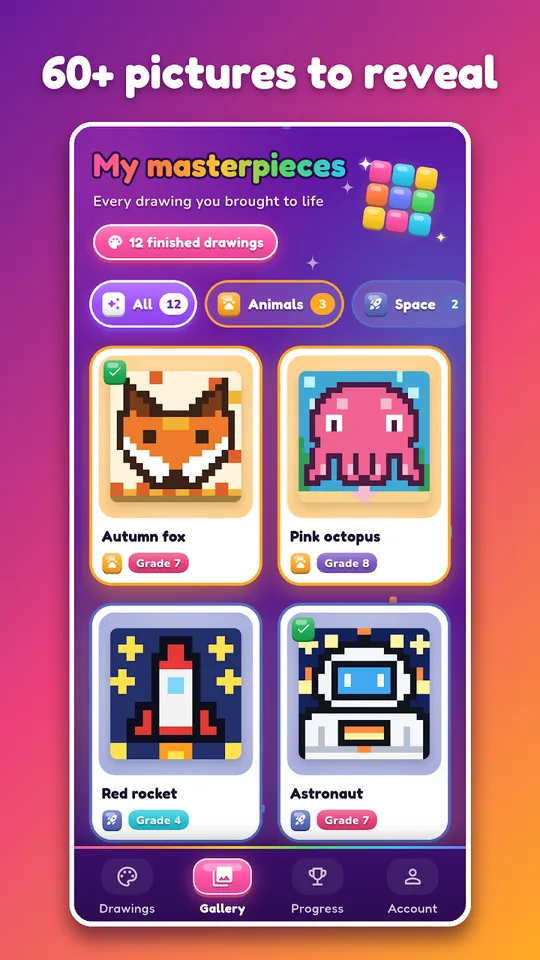
- More than 60 drawings: animals, space, nature, sweets, sport, vehicles and parties, with new ones added over time.
- Levels from grade 4 (CM1) to grade 9 (3ème), each with its own skills.
- 14 types of calculation, including multiplication tables, decimals, fractions, percentages, unit conversions, powers, equations and the Pythagorean theorem.
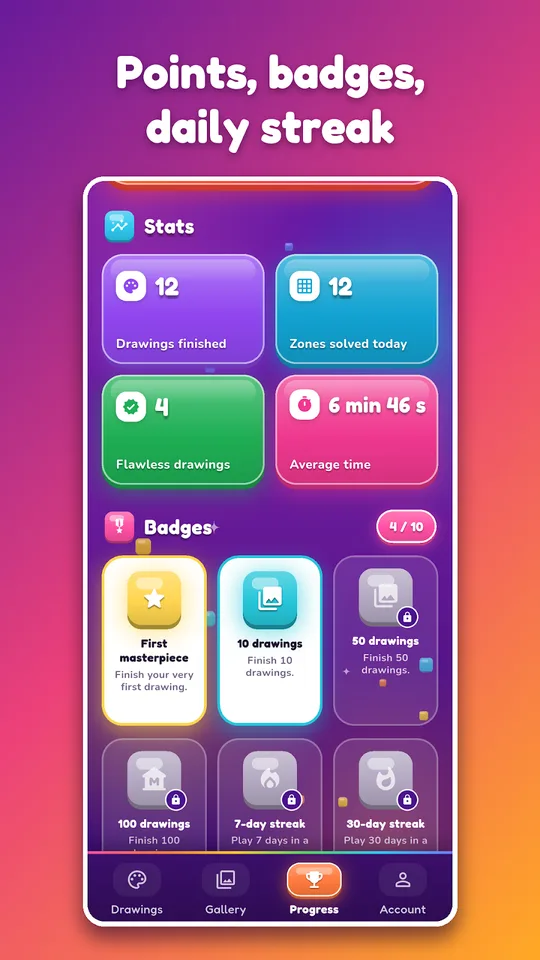
- Points for each correct answer and a bonus for fast answers.
- A daily streak, badges and ranks.
- Offline play, no advertising, and English and French versions.
The grade 9 content is described as useful for revising the French brevet exam.
Who it is for
Younger students enjoy the colouring and rarely notice they are rehearsing multiplication tables. Older ones can pick grade 8 (4ème) or grade 9 (3ème) and face powers, equations and scientific notation.
Because the game works offline, it fits a train journey or a waiting room, with no data connection needed.
Where it meets physics and chemistry
Unit conversions and scientific notation sit at the centre of experimental work. Two of the 14 calculation types train exactly these skills, so a few drawings can prepare you for the conversions in our AP Physics 1 worksheets.
Percentages and proportionality also appear in chemistry problems on concentration, which you can then attempt with our AP Chemistry quizzes.
How a drawing is completed
A drawing is divided into grey zones. Tapping a zone opens a calculation; a correct answer fills the zone with its colour, while an error brings a short correction and a new calculation.
A student may choose one of the 60 drawings by theme, such as space, animals or vehicles. Because calculations are generated at each game, finishing the same drawing twice still gives new problems.
Points reward each correct answer, with a bonus for speed, and a daily streak encourages a few minutes of practice every day. Badges and ranks give longer goals, and the whole system works offline.
Tips for steady progress
- Choose the level just below your current one for a relaxed warm-up.
- Read each short correction; it shows the method, not only the answer.
- Keep a streak of a few minutes a day instead of long sessions.
- Redo a favourite drawing later and compare how fast you answer.
Frequently asked questions
What is Pixels Maths?
Pixels Maths is an Android math game based on magic colouring. Each zone of a pixel art drawing hides a calculation, and a correct answer colours it. The levels range from grade 4 to grade 9.
Does Pixels Maths work offline?
Yes. The store description states that the game works offline, has no advertising and runs on phones and tablets. The calculations are generated at each game, so drawings can be replayed with new problems.
Which topics does the game cover?
It offers 14 calculation types: multiplication tables, addition and subtraction, mental math, decimals, fractions, order of operations, percentages, unit conversions, relative numbers, powers, algebraic expressions, equations, the Pythagorean theorem and proportionality.
Is the app available in English?
Yes. The description mentions English and French versions. School levels follow the French system, so grade 6 is shown as 6ème, and progress can be saved across your devices according to the listing.
