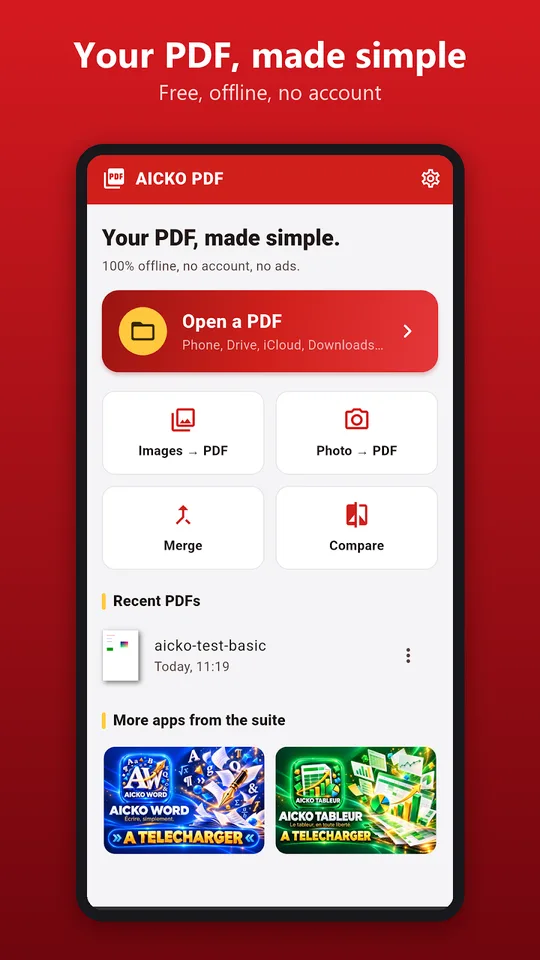
AICKO PDF is a PDF editor app for Android that lets you read, edit, sign and organise documents on a phone or a tablet. It works offline, needs no account and shows no advertising, whether you open a file from the phone, Drive, mail or a messaging app.
Your files stay on the device, because every operation is processed locally. That matters when a document is a lab report, a grade sheet or a signed form that you do not want to upload anywhere.
Get AICKO PDF
At a glance
- Platform: Android
- Works offline: yes
- Account: none required
- Advertising: none
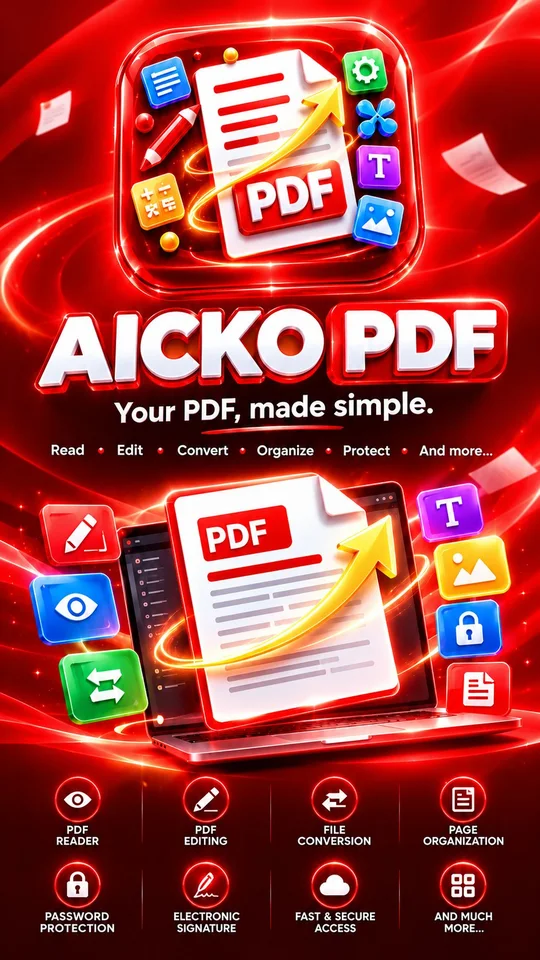
- Tools: edit, sign, forms, merge, split, convert, OCR, compress
Getting started in four steps
- Install AICKO PDF on your Android phone or tablet.
- Open a file from your phone, from Drive, from your mail or from a messaging app.
- Choose what to do: read, correct text, add notes, sign, reorder pages or convert.
- Save the result and share it in one tap.
What the PDF editor app can do
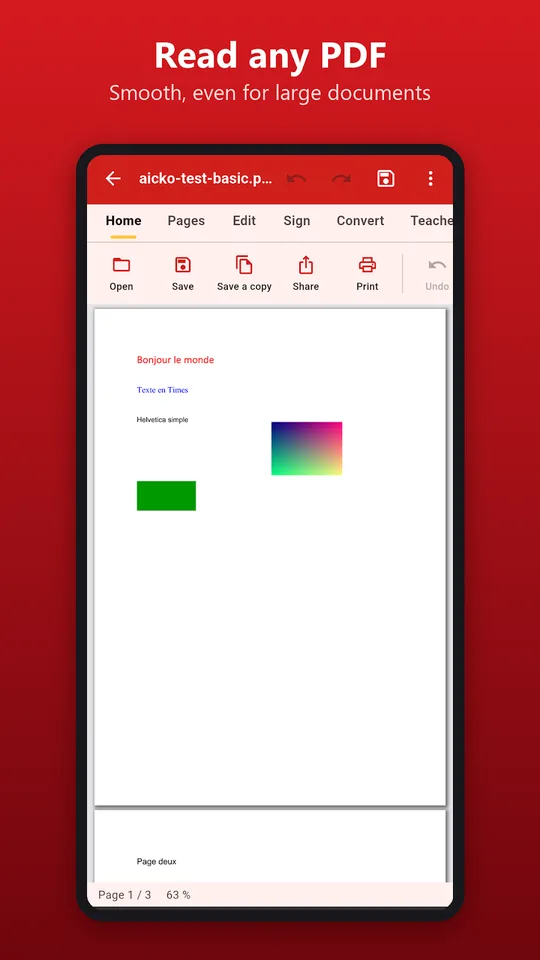
- Read large documents smoothly, with zoom, search, bookmarks and night mode. Password-protected PDFs are supported.
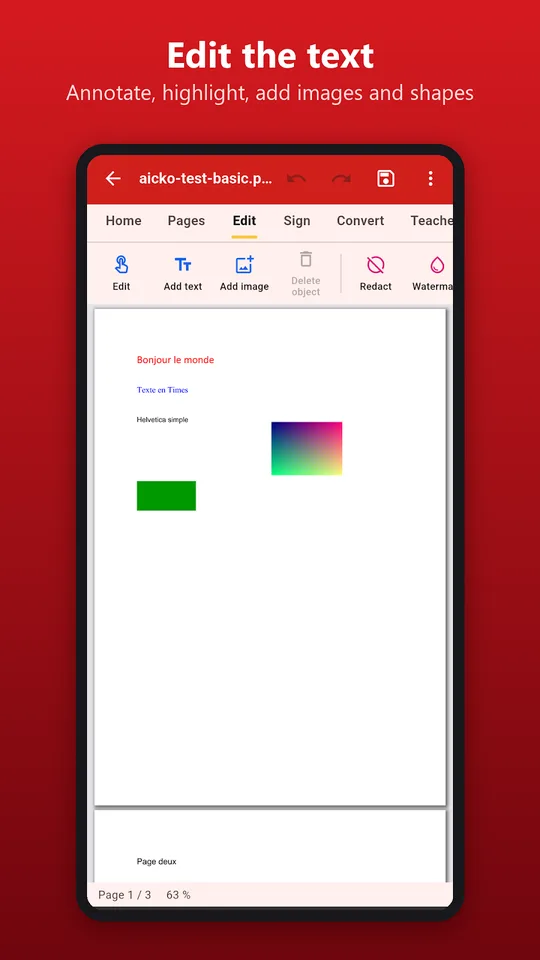
- Correct a sentence, add text, highlight, annotate, draw, and insert images and shapes.
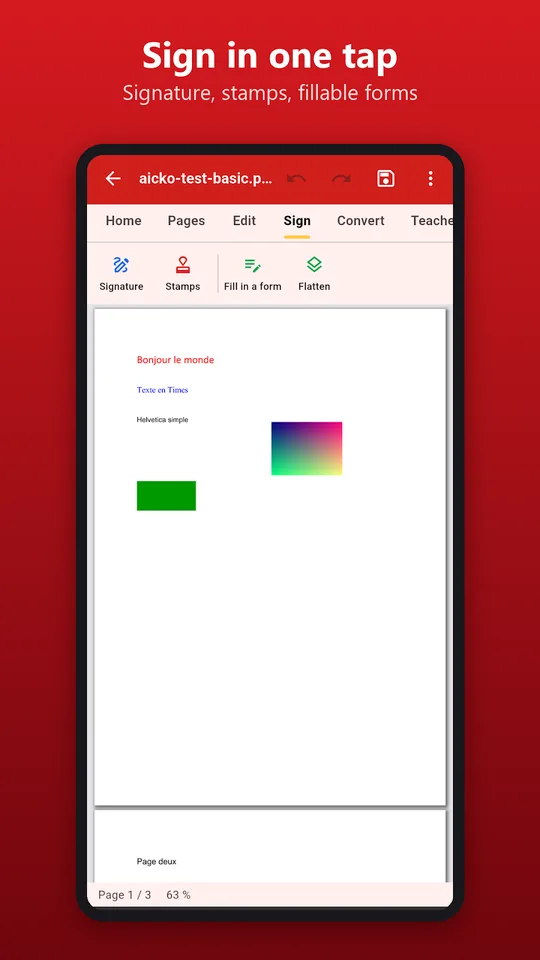
- Create a signature with your finger or from an image, place it anywhere and fill in PDF forms.
- Reorder, rotate, delete, extract or add pages, merge several PDFs into one or split a document.
- Convert PDF to Word, images to PDF and pages to images, keeping the layout.
- Run text recognition (OCR) on a scanned PDF so that its text can be searched and selected, then reduce the file size to send it by mail.
Reading comes first. The viewer stays fluid even with heavy documents, which is useful for scanned books and long data sheets. Night mode is gentle on the eyes when you revise in the evening, and bookmarks let you jump to the page with the formula you need.
Tools for teachers
The app includes a fill-in-the-blanks worksheet, a booklet layout and a version adapted for pupils with dyslexia. A physics teacher can turn a page of a PDF lesson into a worksheet with gaps for key words and formulas, and a pupil can fill it in without printing.
Who it is for
Science pupils receive many PDFs: experiment protocols, data sheets, scanned textbook pages and forms. This app helps you annotate a protocol before a practical session, merge several scans into one report, compress it, and send it to your teacher. Sign-and-return forms no longer require a printer.
Because the processing is local, you can work in a lab corridor or on a train with no signal. Nothing is uploaded to a server for conversion, which is reassuring when a file contains names, marks or signatures. The text recognition runs on the phone as well, so a scanned page becomes searchable without leaving your device.
How it fits with this website
Download the printable sheets from our science books pages, then open them in the app to highlight formulas and write your own comments in the margin. The same program also exists in a version for Windows.
Everything happens in a few taps, which suits a phone screen.
Tips
- Use the highlighter with one colour per idea, for example definitions in one colour and formulas in another.
- Apply OCR to scanned notes before searching them for a keyword.
- Compress a report before attaching it to an email.
Frequently asked questions
Can I edit text in a PDF on Android?
Yes. AICKO PDF lets you correct a sentence, add new text, highlight, annotate, draw and insert images or shapes. You can also fill in PDF forms and add your signature, drawn with a finger or taken from an image.
Does AICKO PDF work offline?
Yes. All processing is done on your device, so it works without an internet connection and your documents never leave your phone. The app needs no account and displays no advertising.
Can I convert a PDF to Word with this app?
Yes. The app converts PDF to Word, images to PDF and pages to images, and it tries to keep the layout. It can also merge several PDFs, split a document or compress a file before sending it.
What is OCR in AICKO PDF?
OCR is text recognition. When a PDF comes from a scan and the text cannot be selected, OCR makes the text searchable and selectable, so you can find a word or copy a passage from the document.
