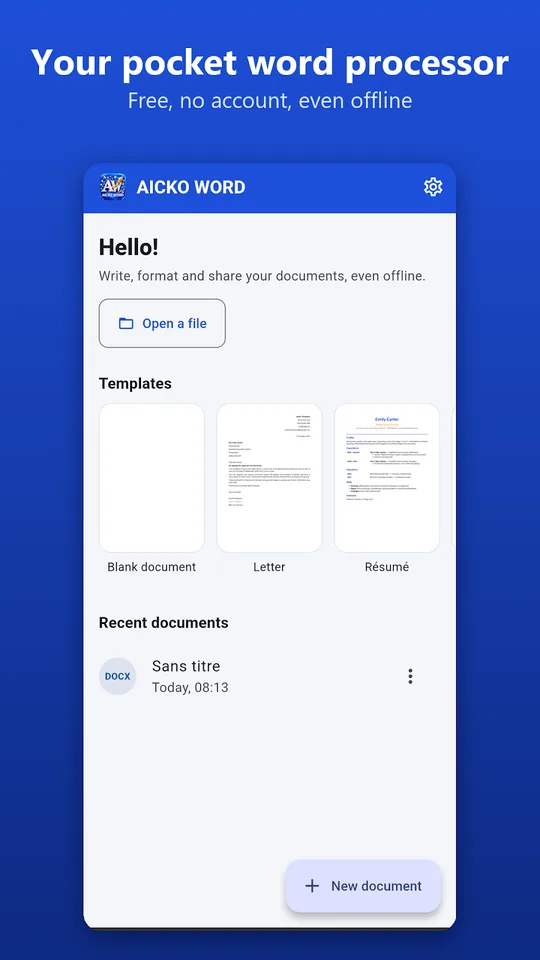
AICKO WORD is a word processor app for Android with a ribbon like the one on a computer. It opens and saves .docx files, includes an equation editor, and exports to PDF, plain text or a web page.
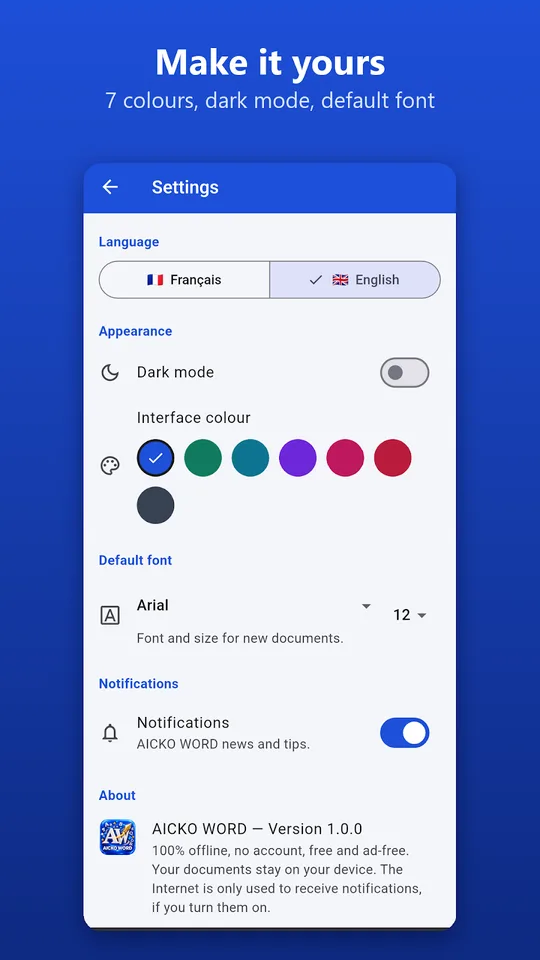
It works offline, needs no account and displays no advertising. Your documents stay on your device, and you can choose between French and English for the interface, whatever the size of your screen.

Get AICKO WORD
At a glance
- Platform: Android
- File format: .docx, with export to PDF, plain text and web page
- Equation editor: yes
- Works offline: yes
- Account and advertising: none
- Interface: French or English
Getting started in five steps
- Install AICKO WORD on your Android phone or tablet.
- Start from a template such as a report, a lesson or a worksheet, or open a Word document received by mail.
- Use the Home, Insert, Page layout and File tabs to format the text.
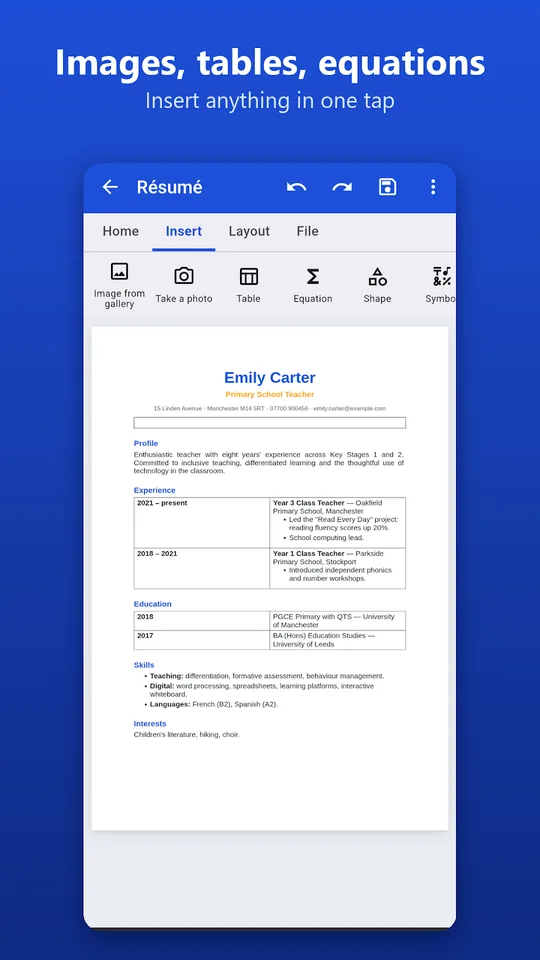
- Insert an equation, a table, a photo or a symbol where you need it.
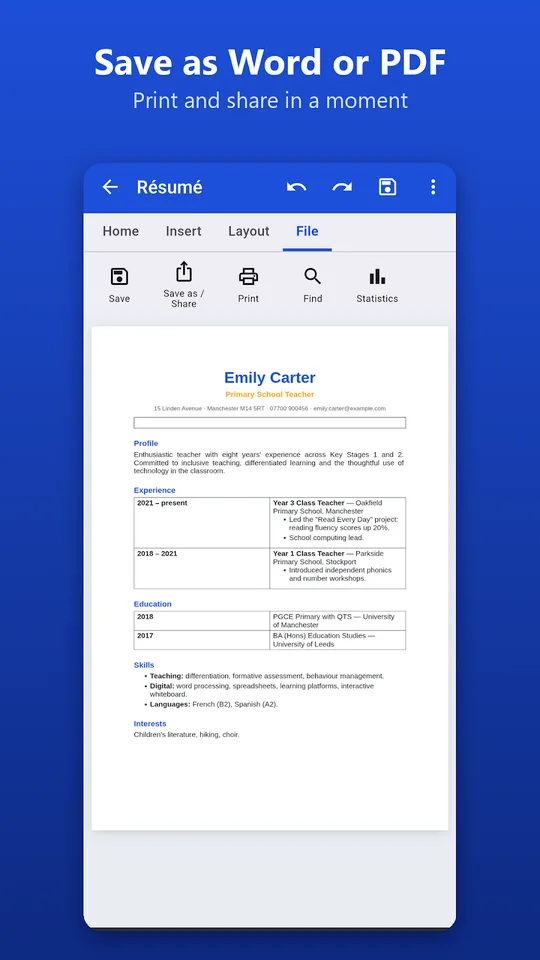
- Save as .docx, export to PDF or print directly.
What the word processor app includes
- Bold, italic, underline, strikethrough, superscript, subscript, fonts, sizes, colours and highlighting.
- Heading styles, lists, alignment, indents and line spacing.
- Opening and saving of .docx files, plus export to PDF, plain text and web page.
- Equation editor with fractions, roots, powers, subscripts, integrals and matrices.
- Images from the gallery or the camera, tables, shapes, symbols, links, lines and page breaks.
- Templates: CV, letter, lesson, worksheet, assessment, invoice and report.
The ribbon keeps the same logic as a desktop program, so there is little to relearn. If you already use a computer word processor, you will find bold, italic, headings and lists where you expect them. Documents received by email can be edited at once and sent back in the same format.
Page layout and comfort
You can choose A4, A5, A3 or US Letter, portrait or landscape, adjust margins, add page numbers, search and replace, and view statistics. The interface offers 7 colours, a dark mode and a default font and size of your choice.
Why science students need it
A lab report mixes text, formulas, tables and photos. Writing the formula for the speed of a wave or the equation of a chemical reaction in a plain text box is painful, while an equation editor gives clean fractions, powers and subscripts such as H2O or v = d / t. Inserting a table for your measurements and a photo of the setup completes the report. Because the file is saved as .docx, your teacher can open it on any computer.
Photos can come from the gallery or straight from the camera, which is convenient when you want to add a picture of an experimental setup or a graph drawn on paper. Symbols, links, lines and page breaks complete the toolbox without making the screen crowded.
Link with this website
When you work through the problems on our science books page, you can write your solutions, with the equations, in a document and export it to PDF for your teacher. A full version of the program also exists for Windows.
The equation editor is the feature that makes this app stand out for science.
Tips
- Keep one template for lab reports with headings: aim, equipment, method, results, conclusion.
- Use heading styles rather than bold text, so the structure of your report stays consistent.
- Check units and significant figures before you export.
Frequently asked questions
Can I write .docx files on my Android phone?
Yes. AICKO WORD opens Word documents received by email, lets you edit them and saves them as .docx, a format that opens on almost every computer. You can also export to PDF, plain text or a web page.
Does the app have an equation editor?
Yes. The built-in editor handles fractions, roots, powers, subscripts, integrals and matrices. It is aimed at teachers, pupils and students who need to write mathematical or scientific formulas inside a document.
Is an internet connection or an account required?
No. AICKO WORD works entirely offline and needs no account. It shows no advertising, and your files remain stored on your own device unless you decide to share them. Your files stay stored locally.
Which page sizes can I print or export?
The page layout settings offer A4, A5, A3 and US Letter, in portrait or landscape, with adjustable margins and page numbers. You can print directly from the app or export the document to PDF.
