
AICKO TABLEUR is a spreadsheet app for Android that handles tables, calculations and charts on a phone or a tablet. It offers more than 140 functions, ready-made templates and charts, and it opens and saves .xlsx and .csv files.
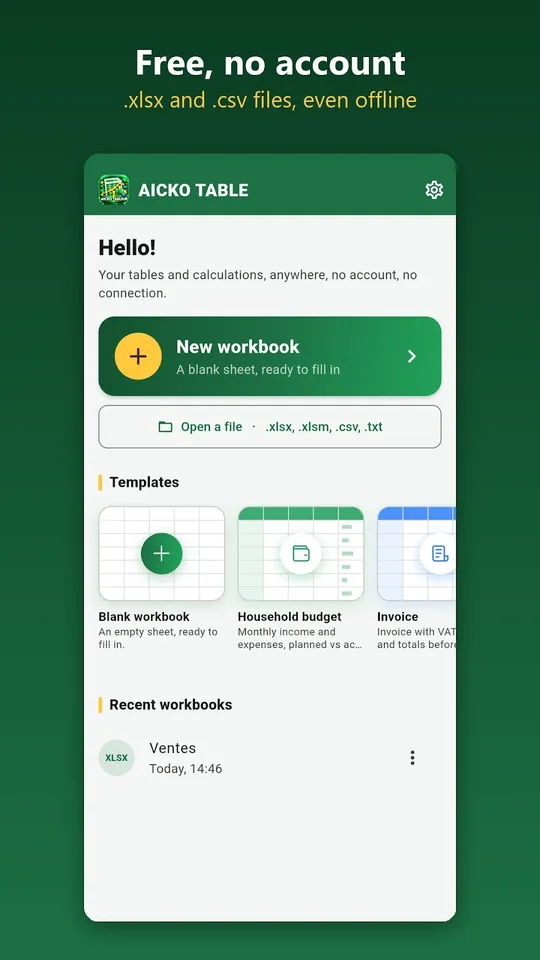
It works without a connection, needs no account and shows no advertising. Your workbooks remain on the device, and the interface is available in French and English. It suits experiments, budgets and mark sheets alike.

Get AICKO TABLEUR
At a glance
- Platform: Android
- Functions: more than 140, with French names
- Files: .xlsx and .csv, export to PDF
- Charts: column, bar, line, pie, area, scatter
- Works offline: yes, no account, no advertising
Getting started in five steps
- Install AICKO TABLEUR on your Android phone or tablet.
- Create a new workbook, choose a template or open an .xlsx or .csv file.
- Type your data in the cells, for example the time and temperature of an experiment.
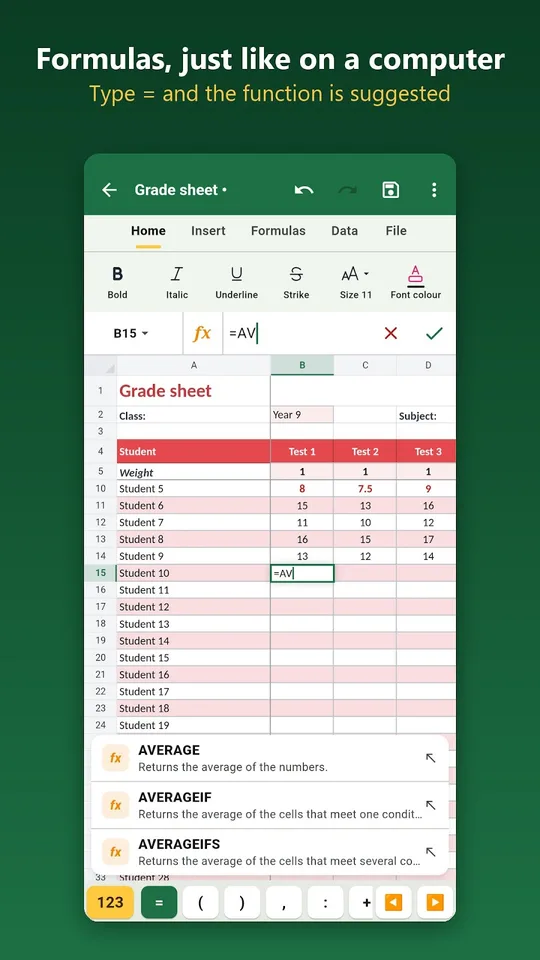
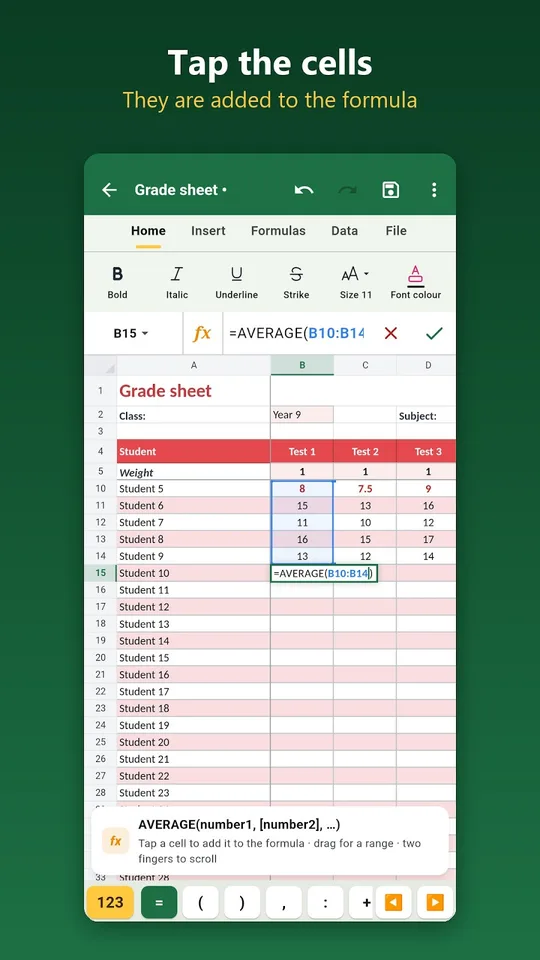
- Type = and the first letters of a function. The app suggests it, and touching a cell or sliding over a range adds it to the formula.
- Select your data and insert a chart, then export to PDF or share the file.
What the spreadsheet app contains
- More than 140 functions, whose names are in French, such as somme (sum), moyenne (average), si (if), recherchev (vertical lookup), nb.si (count if), arrondi (round) and vpm (loan instalment).
- Automatic sum in one gesture, and automatic closing of a forgotten parenthesis.
- Formatting: bold, colours, borders, merged cells, number, currency, percentage, date and time formats.
- Conditional formatting, for example marks under 10 shown in red.
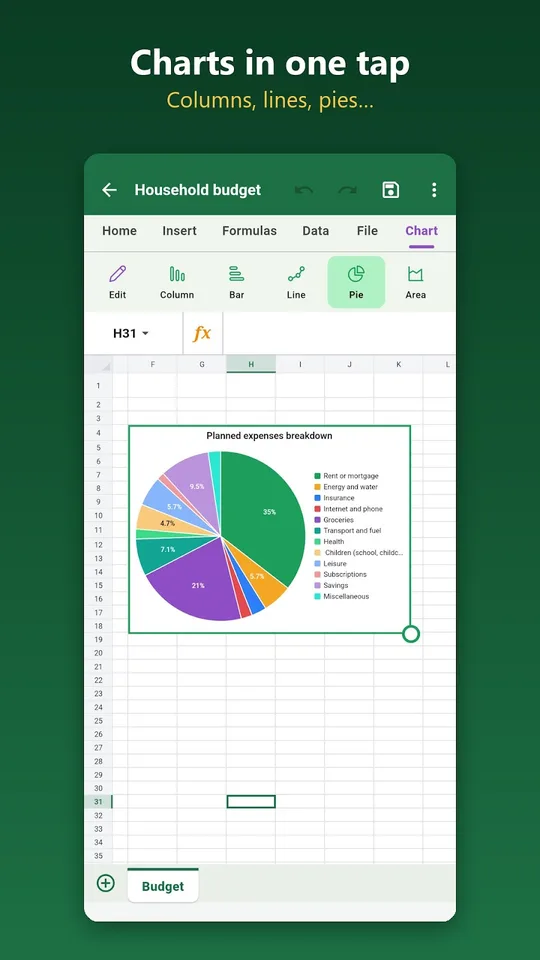
- Charts: column, bar, line, pie, area and scatter plot.
- Sort, filter, duplicate removal, frozen panes and several sheets.
Formulas are easy to enter on a small screen. Touch a cell or slide over a range and it is added to the formula, and the automatic sum gives you a total in one gesture. This removes the typing errors that usually creep into cell references on a phone keyboard.
Ready-made templates
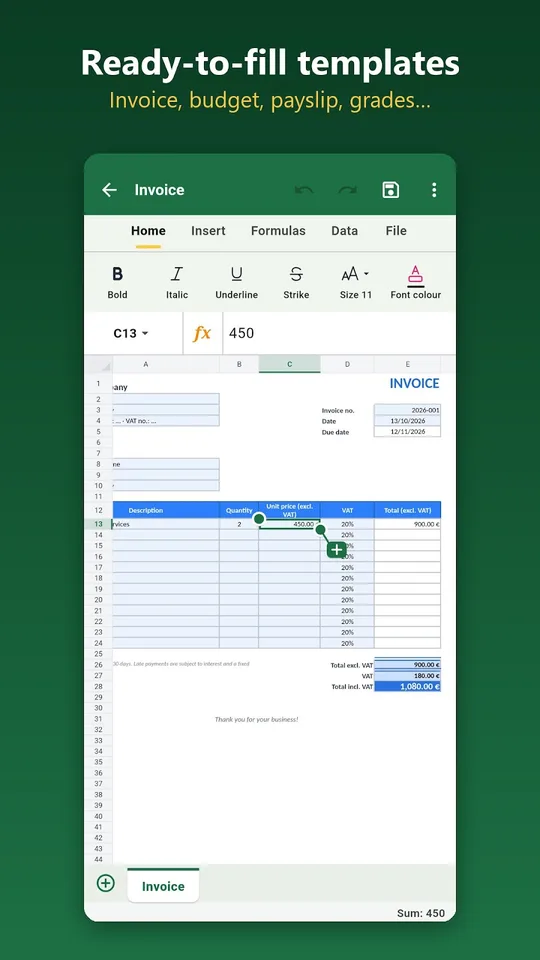
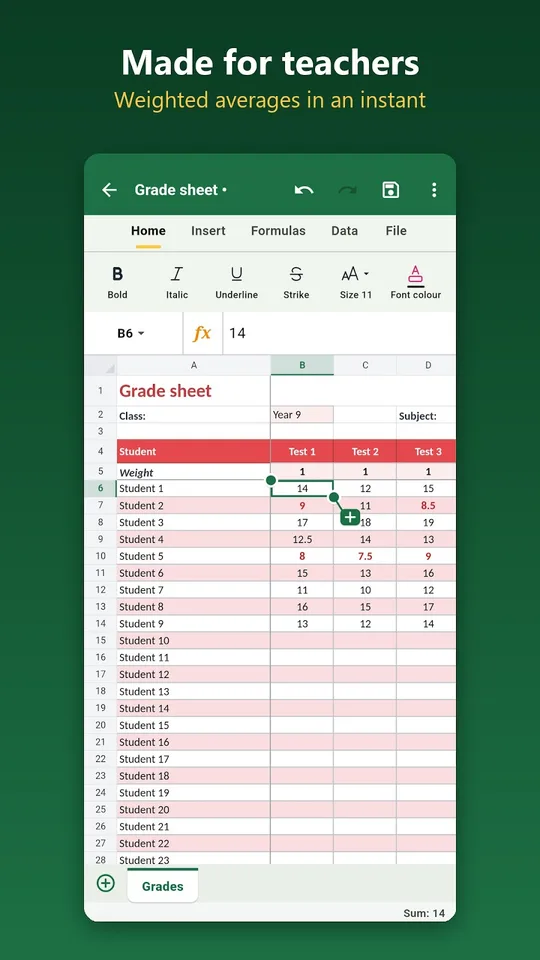
The templates include an invoice with VAT, a family budget, a simplified payslip, a grade report with coefficients, an income and expense book, a timesheet, a loan table and an attendance list. The grade report is handy for a teacher, and the timesheet or the budget helps students manage a part-time job.
Why science students use a spreadsheet
Experiments produce series of numbers. A spreadsheet computes the average with one formula, rounds results to the right number of digits, and draws the scatter plot that shows whether two quantities are related. Conditional formatting highlights measurements outside an expected range, and the line chart makes a trend visible at once. A note on language: function names are French, so sum is written somme, but the interface can be switched to English.
Sorting and filtering let you reorder measurements or isolate one series, while removing duplicates cleans a table that you merged from two sources. Several sheets in one workbook allow you to keep raw data on one sheet and the calculations and charts on another, a habit that scientists use to protect their original measurements.
Using it with this website
Take the data tables from our virtual lab or from the problems of our science books, enter them in the app and plot them yourself. The same program exists for Windows computers.
Tips
- Put units in the header row, not in the cells, so that numbers stay numbers.
- Plot first, calculate second: a chart often shows an error faster than a column of figures.
- Export to PDF before sending a table to your teacher.
Frequently asked questions
Can I open and save Excel files on Android with this app?
Yes. AICKO TABLEUR opens and saves .xlsx workbooks and .csv files. You can also export a sheet to PDF and share it by email, by messaging or through a cloud service in one gesture.
Which functions does AICKO TABLEUR support?
It supports more than 140 functions, with French names such as somme, moyenne, si, recherchev, nb.si, arrondi and vpm. Typing = and the first letters of a name shows suggestions, and a forgotten closing parenthesis is added for you.
Which charts can I make?
You can create column, bar, line, pie, area and scatter charts. The scatter plot is the one most useful for experiments, since it shows how two measured quantities vary together.
Does the spreadsheet app work offline?
Yes. It works entirely without a connection, requires no account and shows no advertising. Your workbooks stay on your phone or tablet, and the interface can be used in French or English.
