
AICKO WORD is a free word processor for Windows 10 and 11 that opens and saves Word files, edits PDFs and includes an equation editor. It has no account, no advertising and no need for an internet connection.
Everything stays on your computer. That makes it a calm place to write science reports, lesson notes and exam revision sheets, with formulas that look right on the page. Templates for reports and worksheets are included.

Get AICKO WORD
At a glance
- Platform: Windows 10 and 11, through the Microsoft Store
- Price: free
- Files: .docx, .doc, ODT, RTF, text, PDF
- Equation editor: yes
- Works offline: yes, no account
- Interface: French or English, 7 colours, dark mode
Getting started in five steps
- Install AICKO WORD on a computer running Windows 10 or 11, using the Microsoft Store.
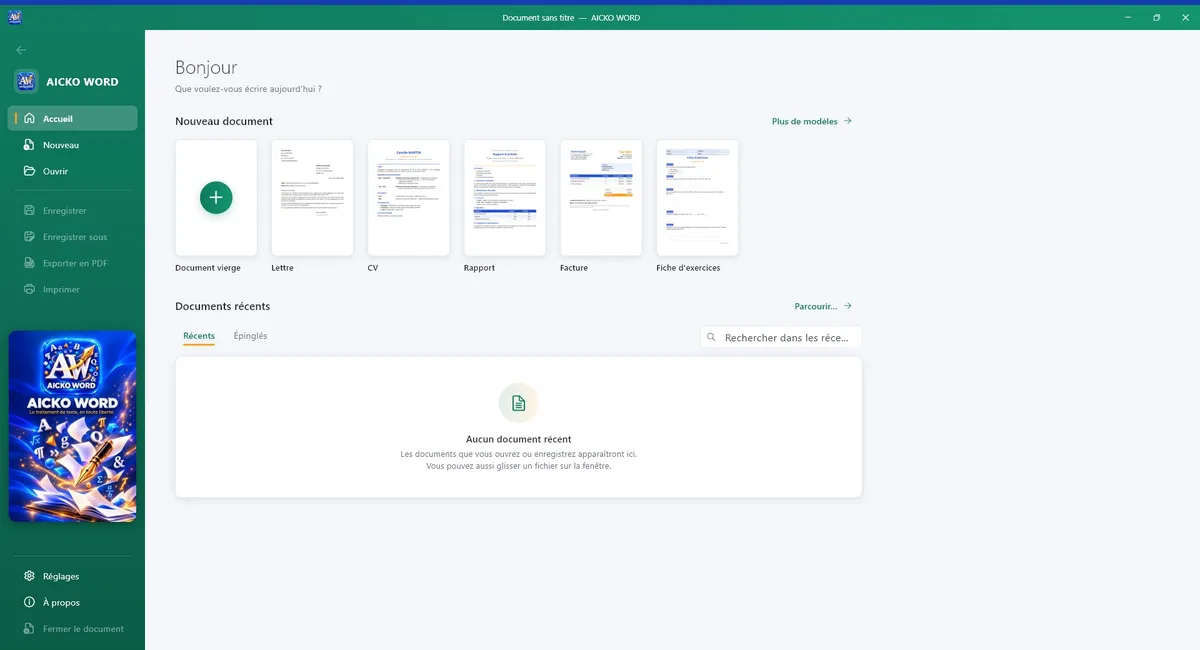
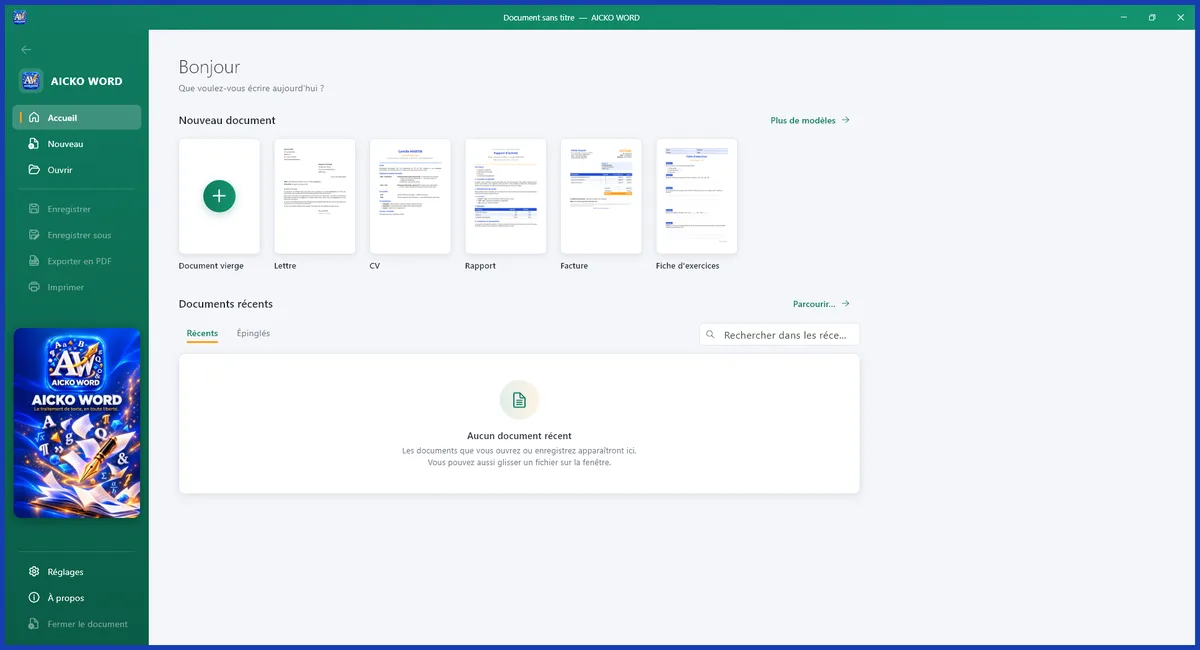
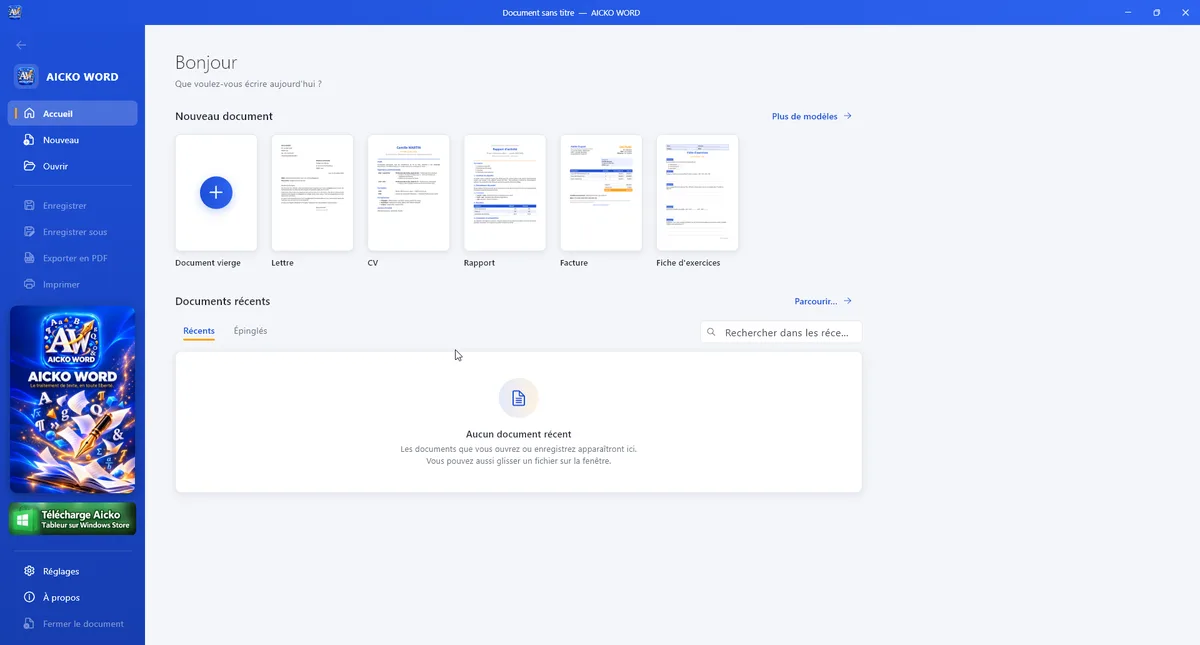
- Open a document, or start from a template such as a report, a letter, a CV or a worksheet.
- Type your text, then use the ribbon tabs (Home, Insert, Page layout, Review and View) to format it.
- Add an equation, a table or an image where needed.
- Save. The .docx format is offered by default, so your file opens anywhere.
What the free word processor contains
- A clear ribbon with fonts, sizes, colours, highlighting, heading styles, lists, alignment, indents, line spacing, borders and shading.
- Opening and saving of .docx and .doc files, OpenDocument (.odt), RTF and plain text. PDFs can be opened for editing and exported.
- An integrated equation editor for fractions, roots, powers, integrals and matrices.
- Images, tables with merged cells, shapes, artistic text, symbols, links, page breaks, headers, footers and page numbers.
- Templates: letter, CV, report, invoice, worksheet, lesson and assessment.
- A spell checker, find and replace, statistics, zoom, a ruler and a reading mode.
The ribbon groups tools in the same logic as the programs you may already know, so a first document takes minutes rather than hours. Documents received as .docx or .doc keep their layout when you open them, and the .docx format remains the default when you save, which avoids compatibility surprises when a teacher or a classmate opens your work.
Comfort and settings
You can switch between French and English, pick a dark mode and choose among 7 interface colours. There is no subscription, no account and no need for the internet: install it and write.
Who it is for
The program fits pupils, students and teachers who need a reliable word processor without the burden of an account. Science learners benefit most from the equation editor. A lab report needs speed formulas, concentration formulas and tables of measurements, and an editor that displays them cleanly saves time and avoids typing mistakes. Teachers will appreciate the lesson and assessment templates, and the ability to export a worksheet to PDF.
A writing routine for science reports
Use the template as a skeleton, then follow the order of the scientific method: question, hypothesis, method, results, discussion. Insert your table of measurements first, then the equations that you apply, then the conclusion. Heading styles make the structure visible and the page numbers help when you print.
When you have finished, export a PDF for sharing. If you need exercises to write about, our science books offer problems with answers, and the virtual lab gives measurements to analyse.
The portable nature of the files also matters in school life. A report written at home can be opened on a school computer the next morning, and a worksheet prepared by a teacher can be exported to PDF so that every pupil sees the same pages, whatever device they use.
Tips
- Save the template of your best report and reuse it for the next practical session.
- Type the final text first and format afterwards, so that your attention stays on the science.
- Run the spell checker before exporting.
Frequently asked questions
Is AICKO WORD really free?
Yes. AICKO WORD is a free word processor for Windows 10 and 11. It needs no account, shows no advertising and has no subscription, and it works fully offline so your documents stay on your computer.
Can AICKO WORD open Word files and PDFs?
It opens and saves Word documents in .docx and .doc, as well as ODT, RTF and plain text. It can also open PDFs for editing and export your document to PDF.
Does AICKO WORD have an equation editor?
Yes. The built-in editor writes fractions, roots, powers, integrals and matrices. It is useful for science and mathematics documents, such as lab reports and worksheets, where formulas must be displayed correctly.
Does it work without an internet connection?
Yes. The program runs entirely offline. You do not need to sign in, and no document is sent anywhere. The spell checker, templates and equation editor all work on your own computer.
