
AICKO TABLEUR is a free spreadsheet for Windows 10 and 11 with formulas, charts, templates and support for Excel files. It opens and saves .xlsx, .xls, .ods and .csv workbooks, and exports to PDF.
It works fully offline, needs no account and shows no advertising at all. Your workbooks stay on your computer, which suits experiment data that you want to keep private. The interface is available in French and English.

Get AICKO TABLEUR
At a glance
- Platform: Windows 10 and 11, through the Microsoft Store
- Price: free
- Files: .xlsx, .xls, .ods, .csv, export to PDF
- Charts: histograms, lines, pie charts
- Works offline: yes, no account
Getting started in five steps
- Install AICKO TABLEUR on Windows 10 or 11, using the Microsoft Store.
- Create a workbook or open an existing .xlsx, .xls, .ods or .csv file.
- Type your data into the cells, one column per quantity, with the unit in the header.
- Add formulas such as sum, average or if, and format the cells.
- Select the data, insert a chart, and save the workbook as .xlsx or export it to PDF.
What the free spreadsheet offers
- Formulas and functions (somme, moyenne, si, recherchev and others, with French names), cell formatting, borders and colours.
- Number, currency and date formats, merged cells, sorting, filters and several sheets in one workbook.
- Charts: histograms, line charts and pie charts.
- Opening and saving of Excel files (.xlsx and .xls), OpenDocument (.ods) and .csv, plus export to PDF.
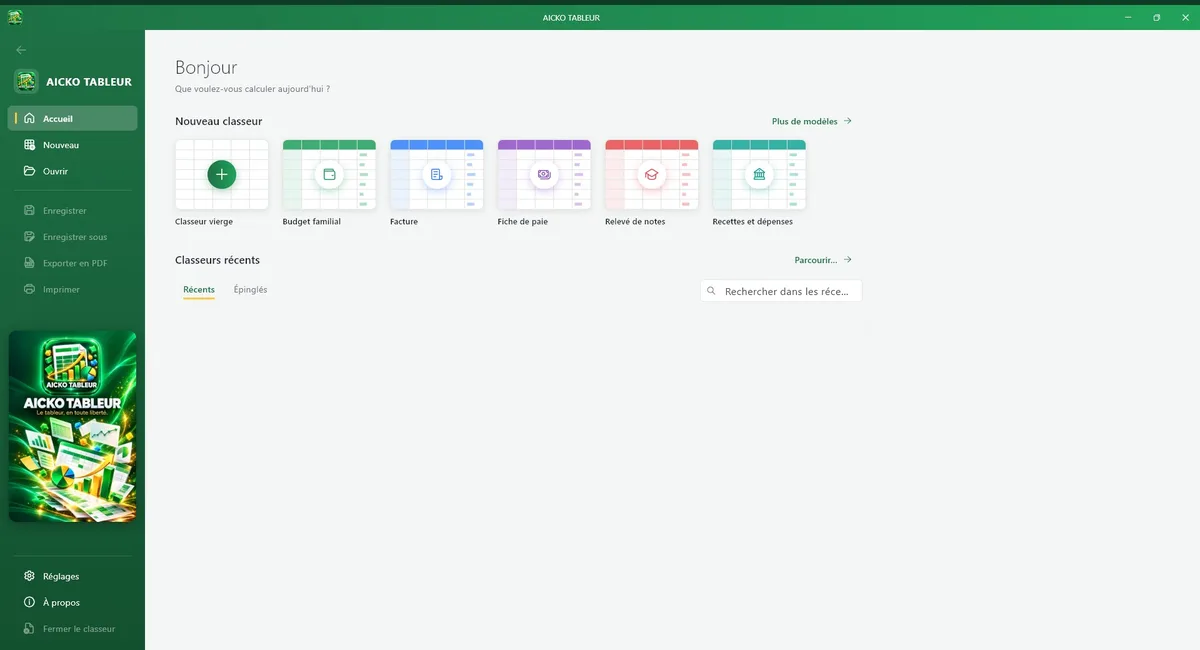
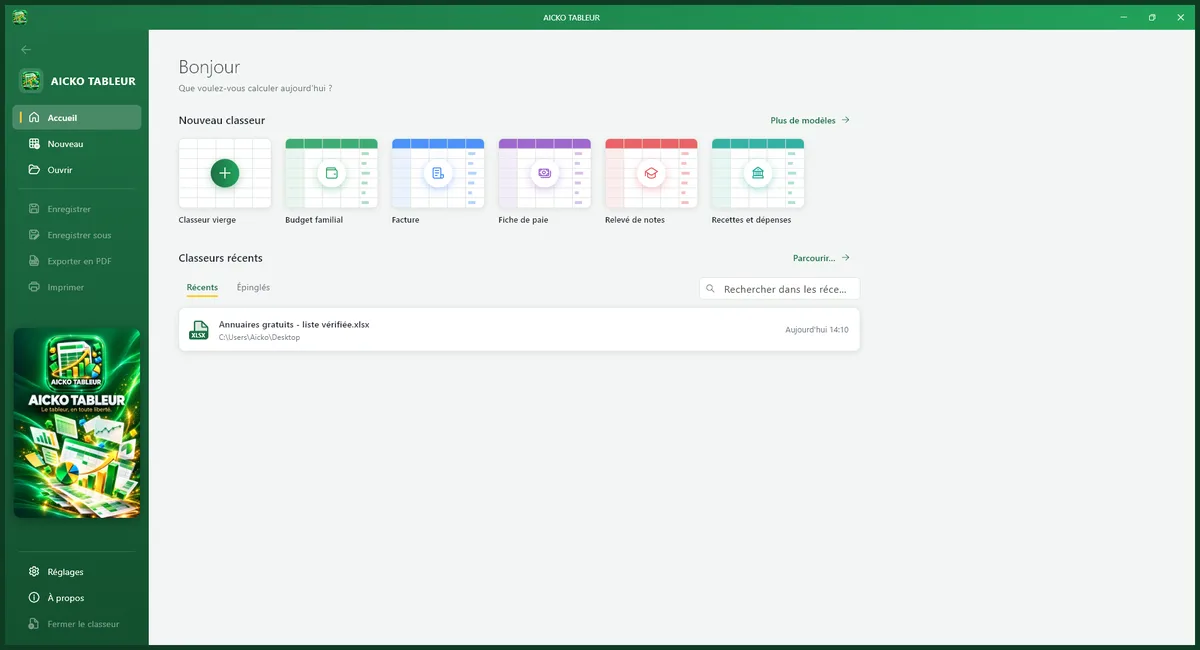
- Templates: family budget, invoice, payslip, grade report and income and expense book.
The program keeps to the essentials. You will not find a maze of menus, only the tools that most people use every day: calculation, formatting, sorting, filtering and charts. That is enough for a physics table of results, a chemistry titration series, a class mark sheet or a household budget, and it keeps the screen readable.
Comfort and settings
The ribbon looks like the one on a computer spreadsheet, so there is nothing new to learn. You can choose French or English, a dark mode and several interface colours. There is no subscription, no account and no need for an internet connection.
Why it suits a science student
Every practical session produces a table of numbers. A spreadsheet turns it into knowledge. You can compute the mean of repeated measurements, sort the values to spot an outlier, and draw a line chart that shows whether a quantity grows steadily. Because the files use the common .xlsx format, you can hand your work to a teacher who uses another program. The .csv support helps you import data recorded by a sensor or copied from a website.
Linking the tool with this site
The virtual lab of this site produces readings that are ideal for a first workbook, for example voltage and current to check Ohm’s law. Plot them, add a trend, and compare your graph with the lesson in our science books.
Teachers can use the grade report template to compute weighted marks, and families can use the budget template to follow monthly expenses. Accountants and independent workers will find the invoice and the income and expense book useful, and none of these files requires a connection or a login.
Good spreadsheet habits
- Keep raw data on one sheet and the calculations on another.
- Write the unit in the header, not in each cell, so the values stay numeric.
- Give each chart a title and label both axes before exporting to PDF.
Frequently asked questions
Is AICKO TABLEUR a free spreadsheet?
Yes. AICKO TABLEUR is free for Windows 10 and 11. It needs no account, shows no advertising and does not require an internet connection, so your workbooks remain on your own computer.
Can it open Excel files?
Yes. It opens and saves .xlsx and .xls workbooks, and also supports .ods and .csv files. The .xlsx format is the default for saving, so other programs can read your work. You can export to PDF too.
Which charts can I create?
You can draw histograms, line charts and pie charts from your data in a few clicks. These cover most needs for school experiments, such as showing a trend in time or comparing parts of a whole.
Does AICKO TABLEUR come with templates?
Yes. Ready-made templates include a family budget, an invoice, a payslip, a grade report and an income and expense book. You fill them in and keep the structure, which saves time.
