
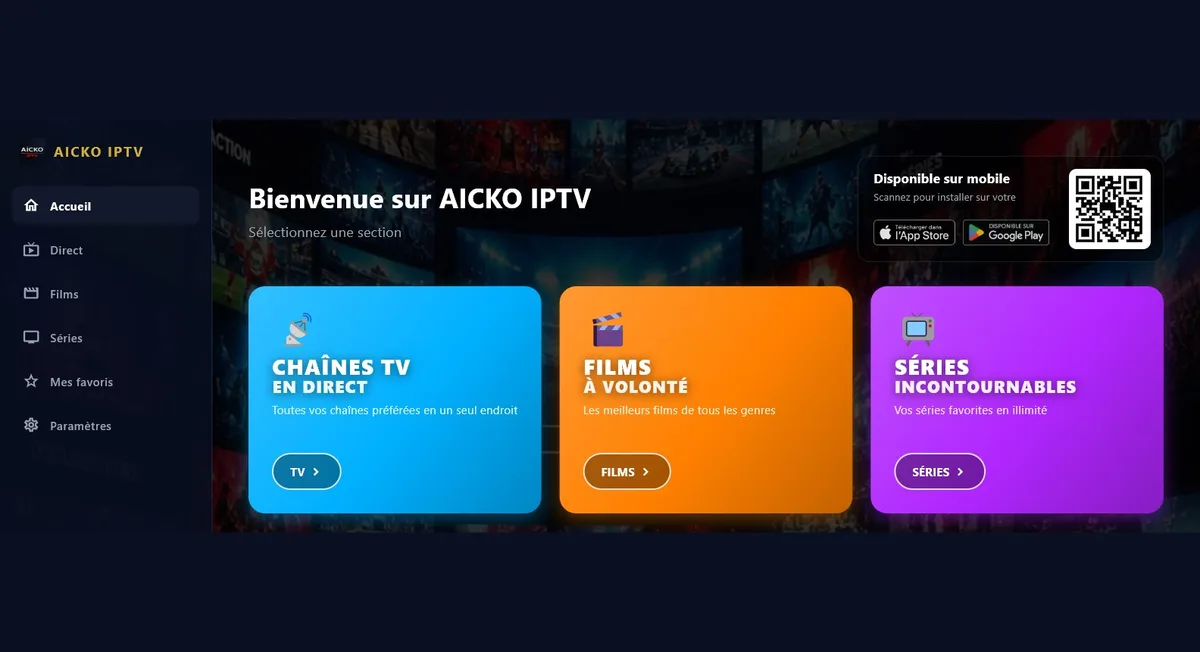
AICKO IPTV is a free IPTV player for Windows 10 and 11 that plays the playlists you supply yourself, in M3U or Xtream Codes format. It offers live channels with a programme guide, films and series with resume, and online radio.
The program hosts, sells and provides no content at all. You type the address of your own list, obtained from your own provider. The interface speaks six languages, including Arabic.

Get AICKO IPTV
At a glance
- Platform: Windows 10 and 11, through the Microsoft Store
- Price: free
- Lists: M3U and Xtream Codes, supplied by you
- Sections: live with guide, films, series, radio
- Languages: six, including Arabic
- Content provided: none
Getting started in four steps
- Install AICKO IPTV on Windows 10 or 11, using the Microsoft Store.
- Enter the address of your M3U list or your Xtream Codes details.
- Open a section: live, films, series or radio.
- Search, mark favourites and hide the categories you do not need.
What the IPTV player contains
- Live television with a programme guide (EPG) and access to replay.
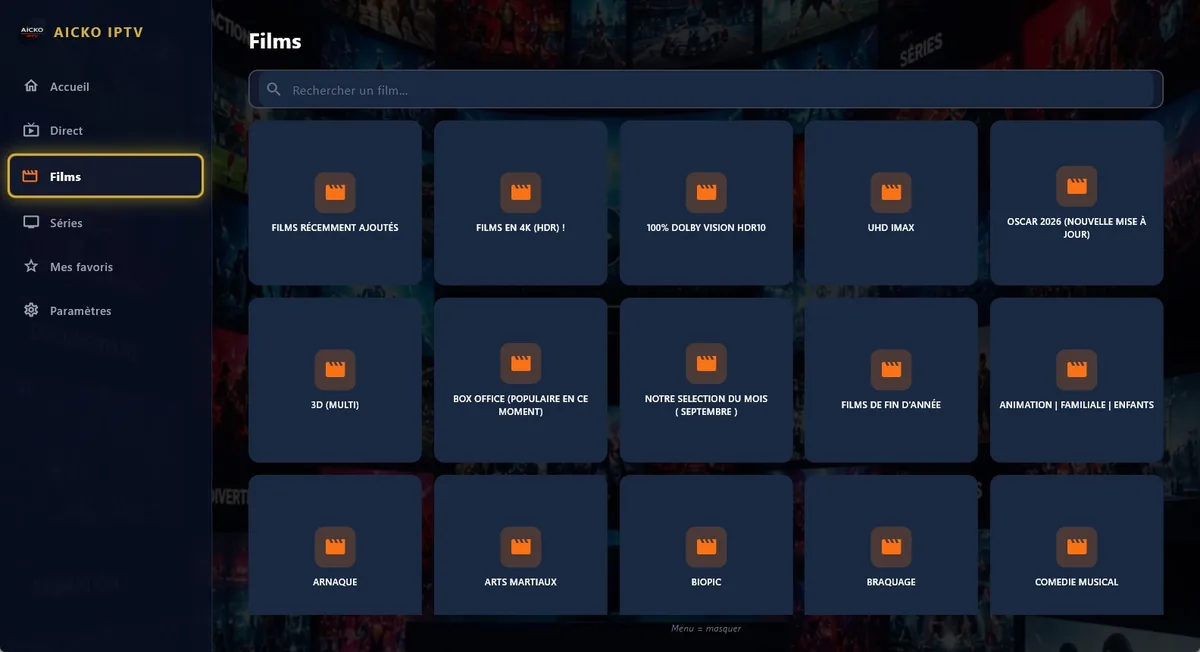
- Films and series sorted by category, with resume exactly where you stopped.
- Radio and audio, including MP3 files and online radio streams.
- Favourites and progress synchronised between your devices through an account.
- Hideable categories and a search in each section.
- Six interface languages: French, English, Arabic (right to left), German, Spanish and Italian.
The playback engine
AICKO IPTV relies on libmpv, the engine of the mpv player, which is known for reading a very large variety of formats and streams. The same app also exists on the App Store, Google Play, Android TV, Fire TV and Samsung televisions, and your favourites and progress follow you between them.
Playback is handled by a mature engine, so most formats and streams start without extra settings. Live channels come with the programme guide, films and series come with resume, and radio works with or without a picture. The favourites and categories are saved per account.
Who it is for
The program is for people who already have a legitimate list and want a tidy way to play it on a computer. It is a player, in the same way as other media players: it does not supply channels. If you follow science channels or language programmes through your provider, the categories, favourites and search make a long list manageable. Arabic readers will like the right-to-left interface.
Organising a big list
A playlist can hold thousands of entries. Treat it as a dataset: remove what is useless, label what you keep and check that the result is easy to read. Hiding categories you never use is the fastest way to turn a noisy list into a useful one, and the favourites list becomes your own selection of regular programmes.
On our English homepage you can find the study resources of this site, for the moments when you are not watching.
Think of the app as a reader and of your provider as the publisher. The quality of what you see depends on the list you supply and on your connection, while the app contributes the organisation and the playback. That is why a careful setup of categories pays off quickly.
Tips
- Check that your provider allows the use of its list in a third-party player.
- Hide categories in one sitting, then add your favourites over the following days.
- Use the programme guide to plan what to watch instead of browsing at random.
Frequently asked questions
What is AICKO IPTV for Windows?
AICKO IPTV is a free media player for Windows 10 and 11 that plays IPTV lists you provide in M3U or Xtream Codes format. It offers live television with a programme guide, films and series with resume, and radio.
Does AICKO IPTV provide TV channels?
No. The program hosts, supplies and sells no content. It plays only the list that you enter yourself, obtained from your own provider, in the same way as any other media player.
Which languages does AICKO IPTV support?
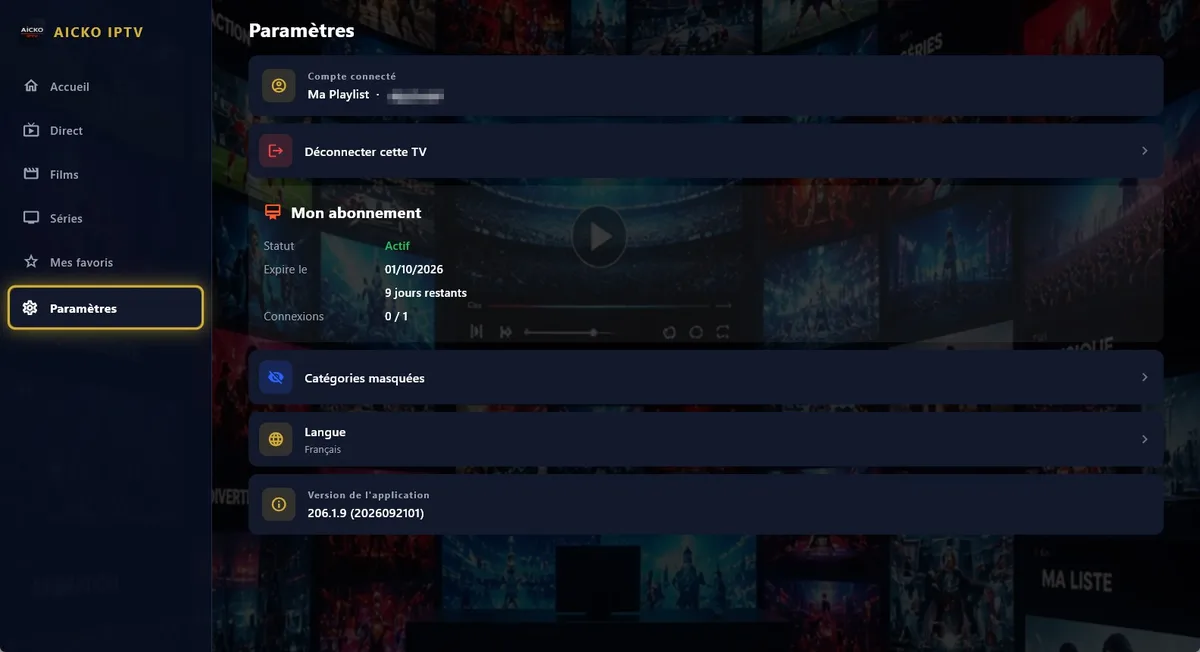
The interface exists in six languages: French, English, Arabic (displayed right to left), German, Spanish and Italian. You can choose the one you prefer in the settings. You can change the language at any time.
Can I keep my favourites across devices?
Yes. Favourites and playback progress are synchronised between your devices through an account. The same app is available on the App Store, Google Play, Android TV, Fire TV and Samsung televisions.
