
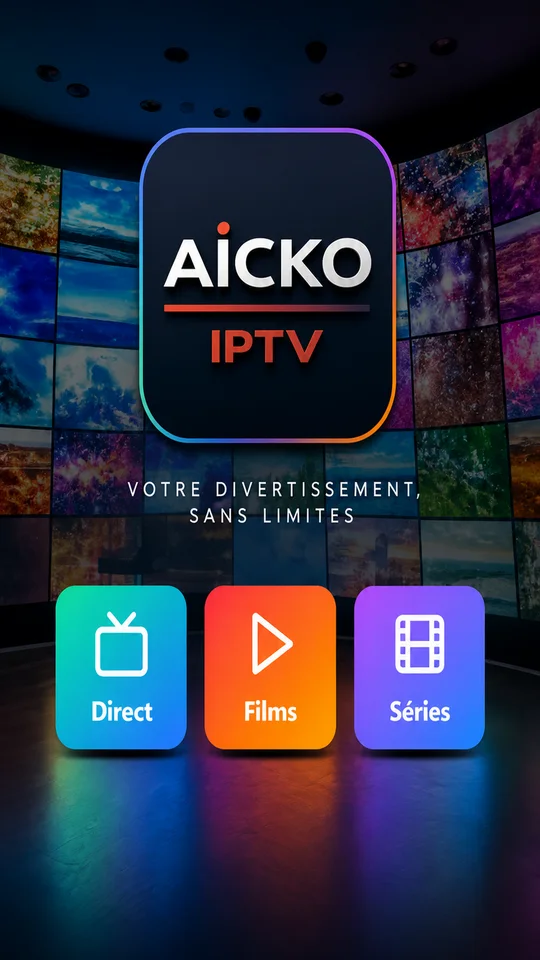
AICKO IPTV is an IPTV player app for Android phones and tablets, Android TV and Fire TV. You add your own M3U playlist or your Xtream codes, and the app plays the channels that your provider gives you, on the screen that suits you best.
The app supplies no channels itself. It is a player, and its strength is organisation: favourites, hidden categories and resume points that follow you from one device to the next.

Get AICKO IPTV
At a glance
- Platform: Android, Android TV, Fire TV
- Lists: M3U and Xtream codes
- Television setup: QR code pairing with the phone
- Synchronisation: favourites, hidden categories, resume points
- Content provided: none, you bring your own list
Getting started in five steps
- Install AICKO IPTV on your Android phone or tablet.
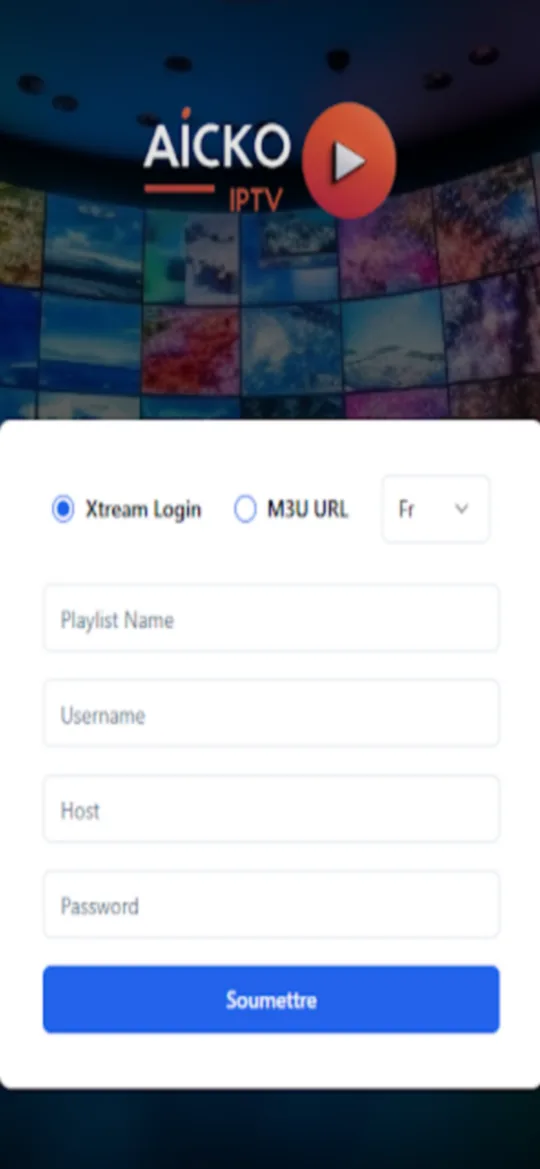
- Add your list: paste the M3U address or enter the Xtream codes given by your own provider.
- Browse the categories and open a channel to start watching.
- Mark the channels you use most as favourites, and hide the categories you never open.
- To use a television, install the app on Android TV or Fire TV and pair it with your phone using a QR code.
What the IPTV player app offers
- Support for M3U lists and Xtream codes.
- Playback on phone, tablet, Android TV and Fire TV, with a version for Windows as well.
- Several accounts, meaning several playlists, with one active account at a time.
- Favourites and hidden categories kept for each account.
- Resume points, so a programme restarts where you stopped.
- Synchronisation of favourites, hidden categories and resume points between your devices through an account.
Plan ten minutes for the first setup. Once the list is loaded, daily use is simple: open the app, pick a channel, and leave the rest to the favourites you saved. If you use more than one provider, each list has its own account in the app, so you can switch from one to the other without losing anything.
How the television pairing works
A television has no keyboard, so typing a long address there would be tedious. AICKO IPTV solves this with a QR code. The television shows the code, your phone scans it, and the phone decides which account is active. You never type an Xtream or M3U address on the television itself. If the network drops for a moment, the television stays connected, because the app does not sign you out after a server problem.
Who it is for
This player is for people who already hold a legitimate playlist and want a tidy way to use it. Students and teachers who follow science channels, documentaries or language programmes from their own provider will like the cleanup tools: a list with thousands of entries becomes readable once the useless categories are hidden. Please remember that AICKO IPTV does not host, sell or provide any content.
The app is a good example of a tool that does one job and does it clearly. It does not try to be a shop or a catalogue. It reads the lists that you give it, keeps your choices separate for each list, and remembers your position in what you were watching.
A data organisation exercise
A playlist is a large dataset, and sorting it follows the same logic as organising laboratory results. You decide what to keep, what to discard and how to label what remains. Our English homepage shows how the same careful habits apply to science study.
Tips
- Start with the favourites list, then hide categories one at a time, as you would remove outliers from a data table.
- Keep one account per provider, so that favourites from one list never mix with another.
- Use the phone as the remote control for the active account whenever you change list.
Frequently asked questions
What is AICKO IPTV?
AICKO IPTV is a player for IPTV lists. You enter your own M3U playlist or Xtream codes, and the app plays your channels on Android phones and tablets, Android TV and Fire TV. It does not provide any channel or content.
Does AICKO IPTV include channels?
No. The app contains no channels, films or series. You must bring your own M3U list or Xtream codes from a provider you chose. AICKO IPTV only plays what that list contains and helps you organise it.
How do I use AICKO IPTV on Android TV or Fire TV?
Install the app on the television and pair it with your phone by scanning a QR code. The phone controls which account is active, so you do not have to type M3U or Xtream details with a remote control.
Are my favourites kept when I change device?
Yes. Favourites, hidden categories and resume points are synchronised between your devices through an account, and they are kept separately for each playlist, so two different lists never mix their favourites.
