

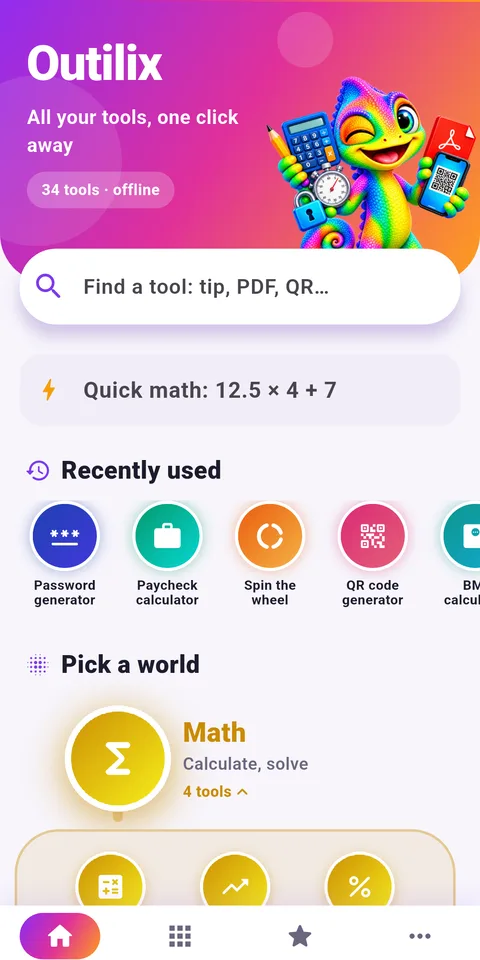
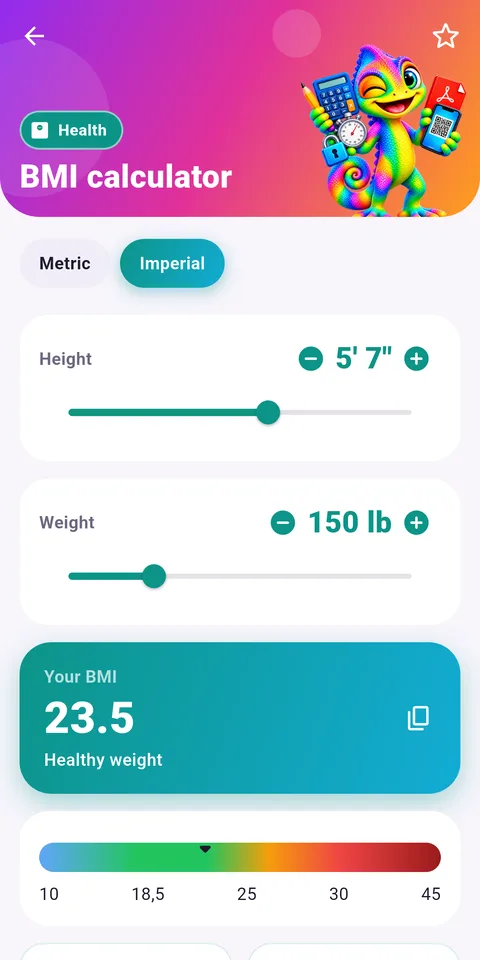
Outilix is an Android app that works as a science toolbox: a scientific calculator, a unit converter, a temperature converter, a stopwatch with laps and 30 other small tools, all usable offline.
Physics and chemistry ask for rigour at every step: correct units, careful timing, clean calculations and tidy reports. Outilix does not replace reasoning, but it removes the slow parts, so a student can check a conversion or time a pendulum in seconds and keep attention on the method.

Get Outilix

At a glance
- Platform: Android (iPhone version in preparation)
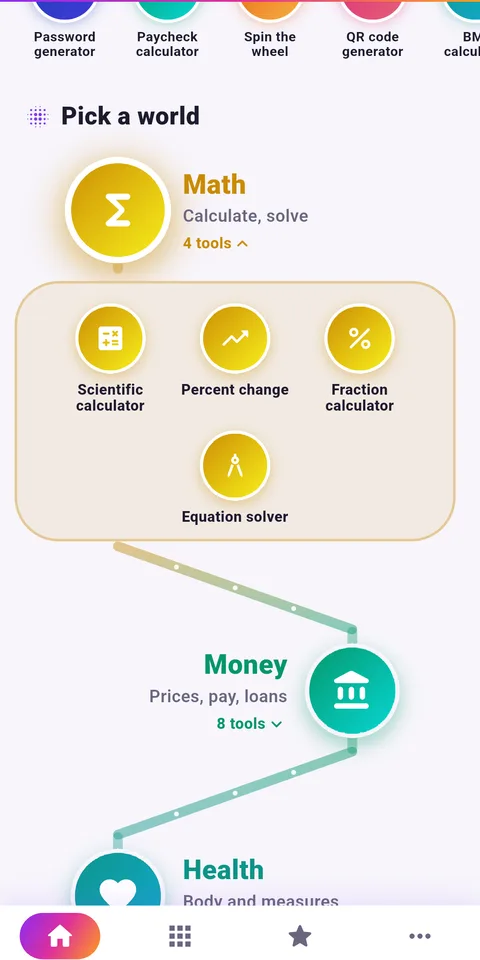
- Tools: 34 in 9 categories
- Science tools: calculator, equations, units, temperatures, stopwatch
- Works offline: yes
- Interface: English and French
First steps with the Outilix science toolbox
- Install Outilix from Google Play on an Android phone.
- On the home screen, type a tool name in the search bar, for example converter or stopwatch.
- Try the quick calculation area for a one-line result.
- Mark the tools you need in lab sessions as favourites.
- Open the favourites tab at the bottom of the screen during your next practical.
What you find inside
The app holds 34 tools in 9 coloured categories. For science work, the most relevant are:
- Scientific calculator: sine, roots, powers and factorials
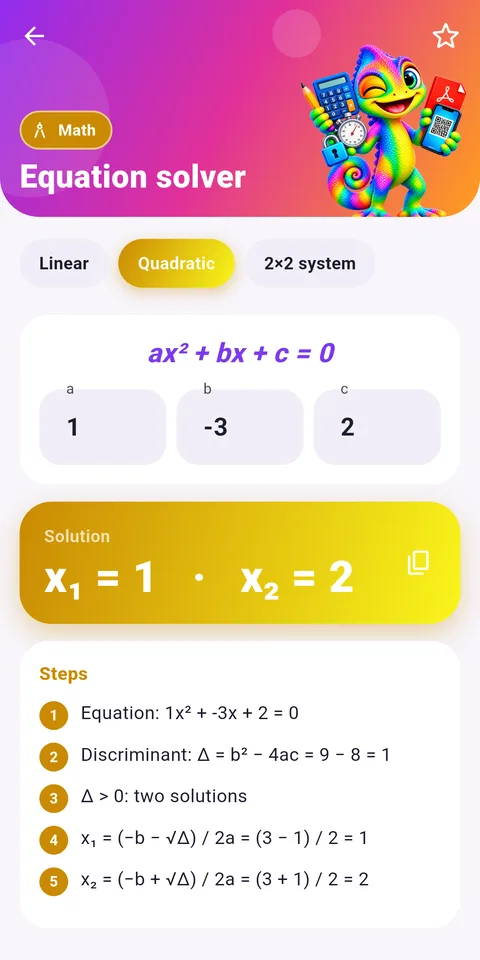
- Equations: first degree, second degree and systems, with the steps shown
- Fractions: add, multiply and simplify, with the working
- Unit converter: length, mass, volume, speed and more
- Temperatures: Celsius, Fahrenheit and Kelvin
- Percentage change: rise or fall between two values, useful for comparing measurements
- Stopwatch and timer: laps for repeated measurements, an alert when a duration is over
- PDF scanner: photograph a handwritten lab report, crop it automatically, merge several pages
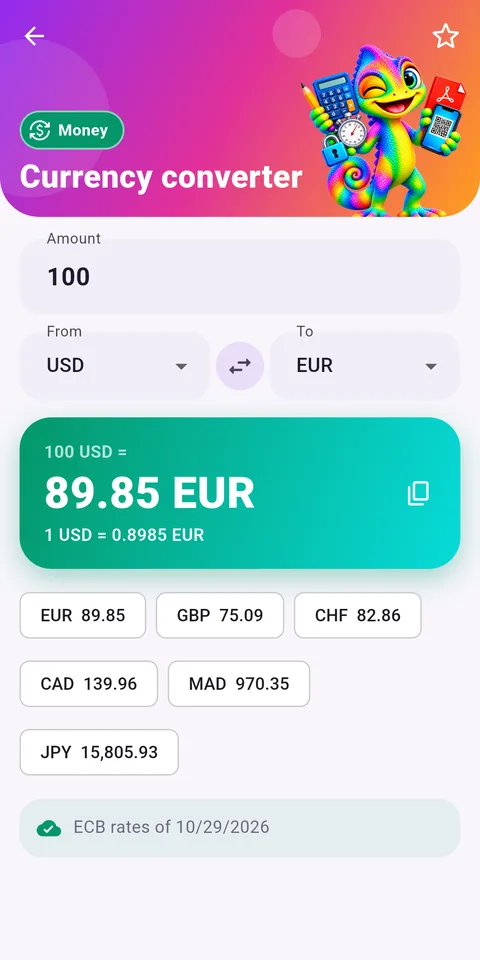
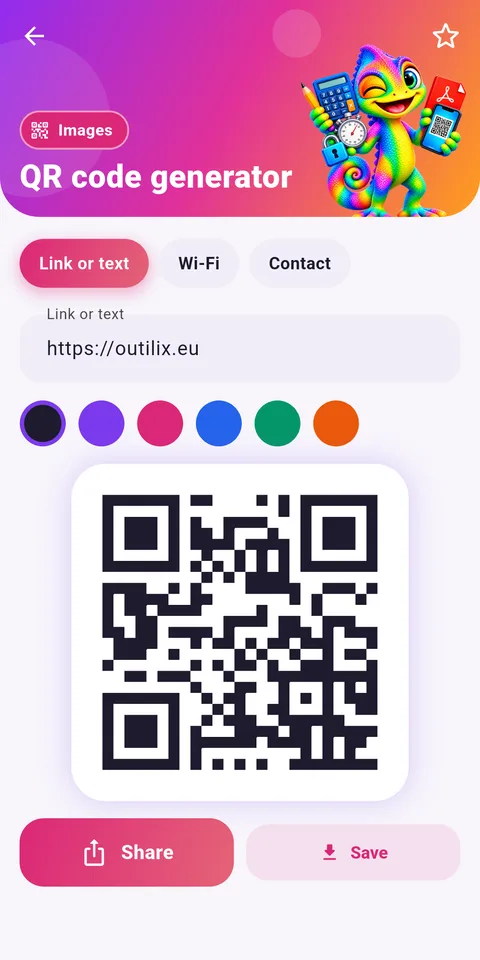
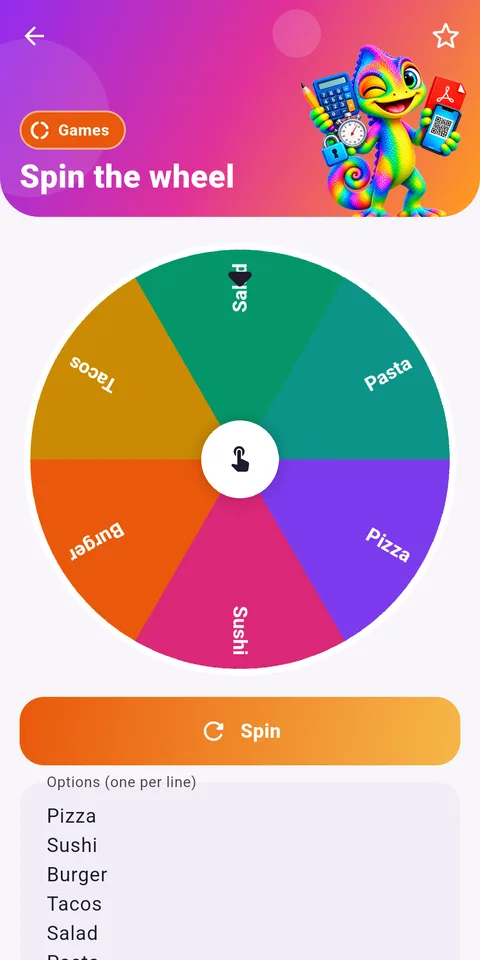
Other categories cover money, dates, QR codes, text, passwords and games of chance.
Who it is for
Outilix suits middle and high school students in physical science, from grade 8 (4ème) to grade 12 (Terminale), as well as students in AP Physics 1 or AP Chemistry. Younger learners use the converter and the temperature tool most. Older students rely on the equation solver to check a quadratic in kinematics, and on the calculator for trigonometry in force diagrams. Because the scientific method relies on repeated measurements, the stopwatch with laps is useful at every level: time ten swings of a pendulum, record each lap, then compute an average.
Using Outilix with this site
When you work through the chemistry lessons for grades 11 and 12, keep the temperature tool open to switch between Celsius and Kelvin in gas law problems. Before a session in the virtual lab, prepare your unit conversions so the data table stays consistent. After the AP Chemistry quizzes, use the equation solver to check the algebra of any problem you missed, then compare its steps with your own.
Tips for a more scientific workflow
Always convert to SI units before you calculate: metres, kilograms, seconds and kelvins. Do the conversion in the app, then write it on your sheet so the reasoning stays visible. When timing, measure several periods at once and divide, which reduces reaction-time error. Use the percentage change tool to express how far your result is from the expected value. Finally, scan your finished report into a single PDF so that each practical is stored in order and easy to revise before a test.
Outilix runs on Android, and a version for iPhone is in preparation. The interface is in English or French, following the phone language, and no account is needed.
Frequently asked questions
What is Outilix?
Outilix is an Android app with 34 everyday tools in 9 categories. For science students it offers a scientific calculator, an equation solver with steps, a unit converter, a temperature converter, a stopwatch with laps and a document scanner that creates PDF files.
Can Outilix convert Celsius to Kelvin?
Yes. The temperature tool converts between Celsius, Fahrenheit and Kelvin. A separate unit converter handles length, mass, volume, speed and other quantities, which helps when a physics problem mixes units.
Does Outilix work without internet in the lab?
Yes. The calculation engines are built into the app, so the tools work offline. That makes it practical in a classroom or lab where the connection is weak or phones are kept offline.
Is Outilix available on iPhone?
Not at the moment. Outilix is an Android app on Google Play, and a version for iPhone is in preparation. The interface is available in English and French, depending on the phone language.
